As we move through 2026, entrepreneurs and small business owners everywhere are launching new ventures. And almost every single one of these businesses needs a website.
The good news is that building a website has never been easier. With AI design tools becoming more powerful and accessible, you no longer need to hire a web developer or spend weeks learning complicated software. AI website builders can now create professional-looking sites in just minutes.
In this article, we will take a close look at the best AI website builders available today and help you find the right one for your business.
What are AI Website Builders?
AI website builders are tools that use artificial intelligence to create websites for you. Instead of starting from scratch or choosing from basic templates, you simply tell the AI about your business, and it generates a complete website design.
These tools handle everything from layout and colors to images and text. Some even create custom logos and branding elements. The best part is that you can customize everything after the AI makes the initial design.
AI website builders are perfect for entrepreneurs who want professional results without the steep learning curve or high costs of traditional web design.
How We Tested These AI Website Builders
To give you an honest comparison, we tested each AI website builder using the same approach. We gave each tool a simple prompt about a fictional business and watched what it created.
We looked at several important factors during our testing. Design quality was the top priority because your website represents your brand. We also checked how easy each builder was to use, what features it offered, and whether it provided multiple options.
Our goal is to find tools that real business owners can use to create great-looking websites without frustration.
Our Top 5 Picks
| Website Builder |
Best For |
Design Quality |
Key Strength |
Pricing |
| Design.com |
Beautiful design and small businesses |
High |
Multiple AI-generated options with premium logos |
Free plan available, paid from $6/month |
| BrandCrowd |
Complete brand identity |
High |
All-in-one branding and website suite |
Free plan available, paid from $6/month |
| Neo Sites |
Budget-conscious businesses |
Medium |
Free AI website building tools |
Free |
| Wix |
Advanced features and ecommerce |
Medium |
Powerful editing and online store |
Paid plans from $17/month |
| Squarespace |
Minimalist aesthetic |
Medium |
Clean design and professional templates |
Paid plans from $16/month |
1. Design.com
Overall Rating: 9/10
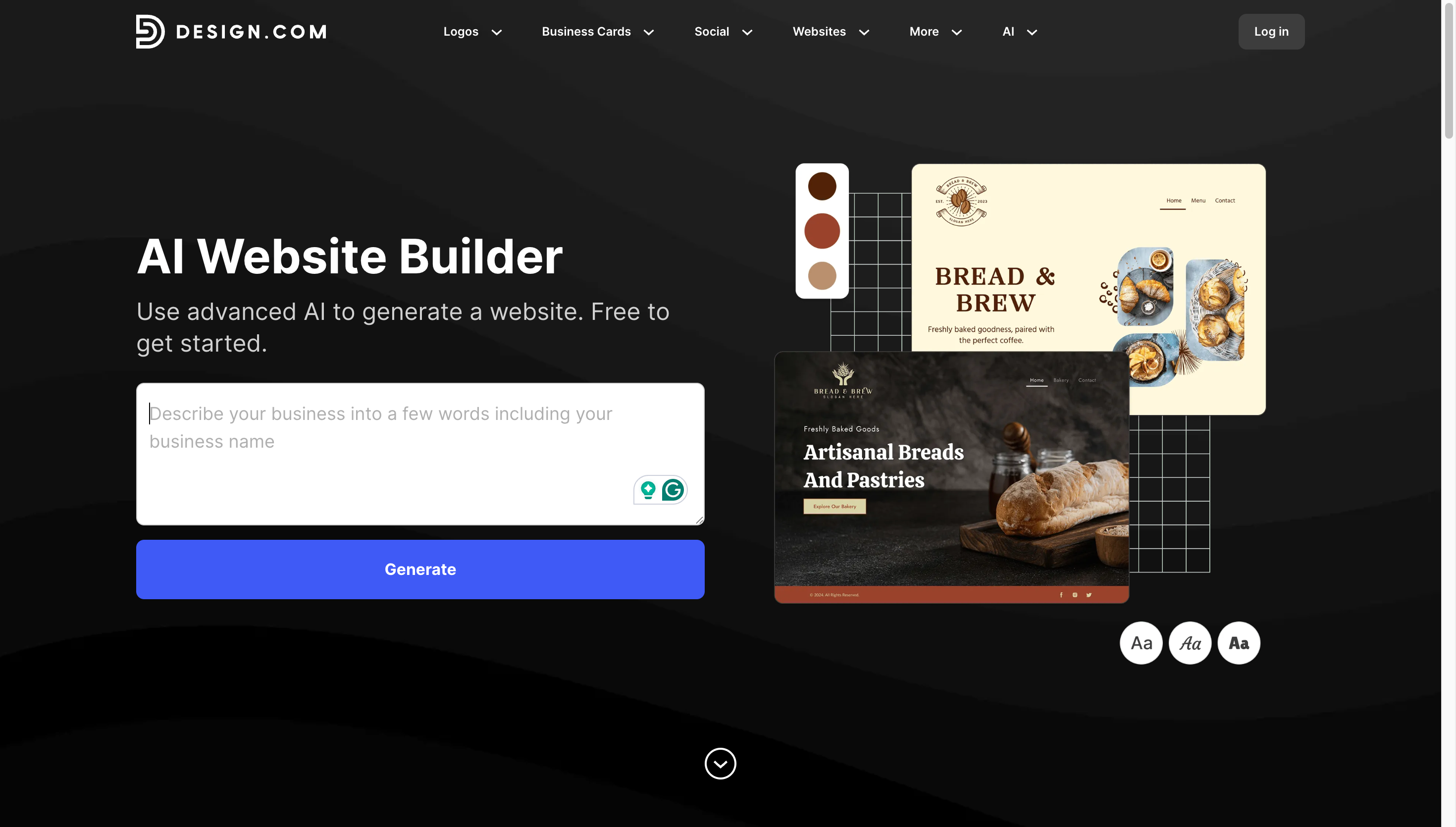
Design.com's AI website builder is a powerful platform that launched in 2023 and quickly became a favorite among entrepreneurs and small businesses. The platform stands out for its exceptional design quality and the sheer number of options it generates. Instead of limiting you to a single AI-generated website like most competitors, Design.com gives you dozens of unique designs to choose from.
Key Features
- Professional layouts with high-quality images
- Custom logo designed specifically for your business
- Logos are particularly impressive (Design.com is one of the best AI logo generators)
- Fully responsive and optimized for phones, tablets, and desktops
- Customize fonts, colors, and layouts to match your brand
- Move elements around with easy drag and drop
- Add contact forms, video embedding, and maps integration
- Accept payments directly on your website
- Access to over 1 million design templates across different categories
- Create matching business cards and social media graphics
- Build other branding materials using the same style as your website
- Maintain consistent branding across all your materials
How to Get Started with Design.com
Getting your website up and running on Design.com is incredibly simple.
- Enter your business name and optional keywords to guide the AI
- The AI generates dozens of unique website designs in just seconds
- Browse through multiple possibilities and compare different layouts
- Pick your favorite design and customize it to perfection
- Publish your website with one click
To give you a better sense of what Design.com can create, here are some sample homepage designs generated by the platform for a photo and video production company called Modern Design Co.
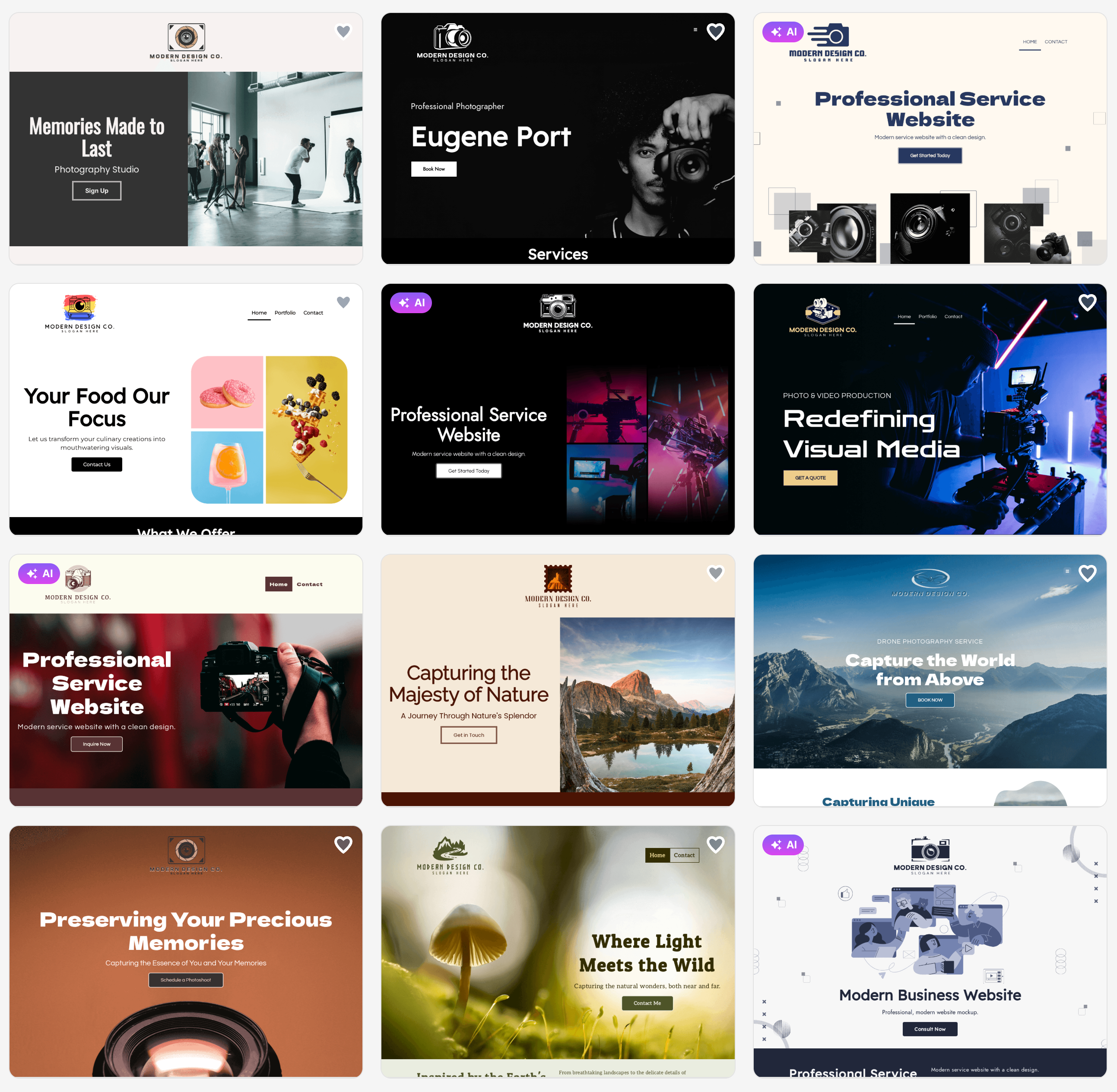
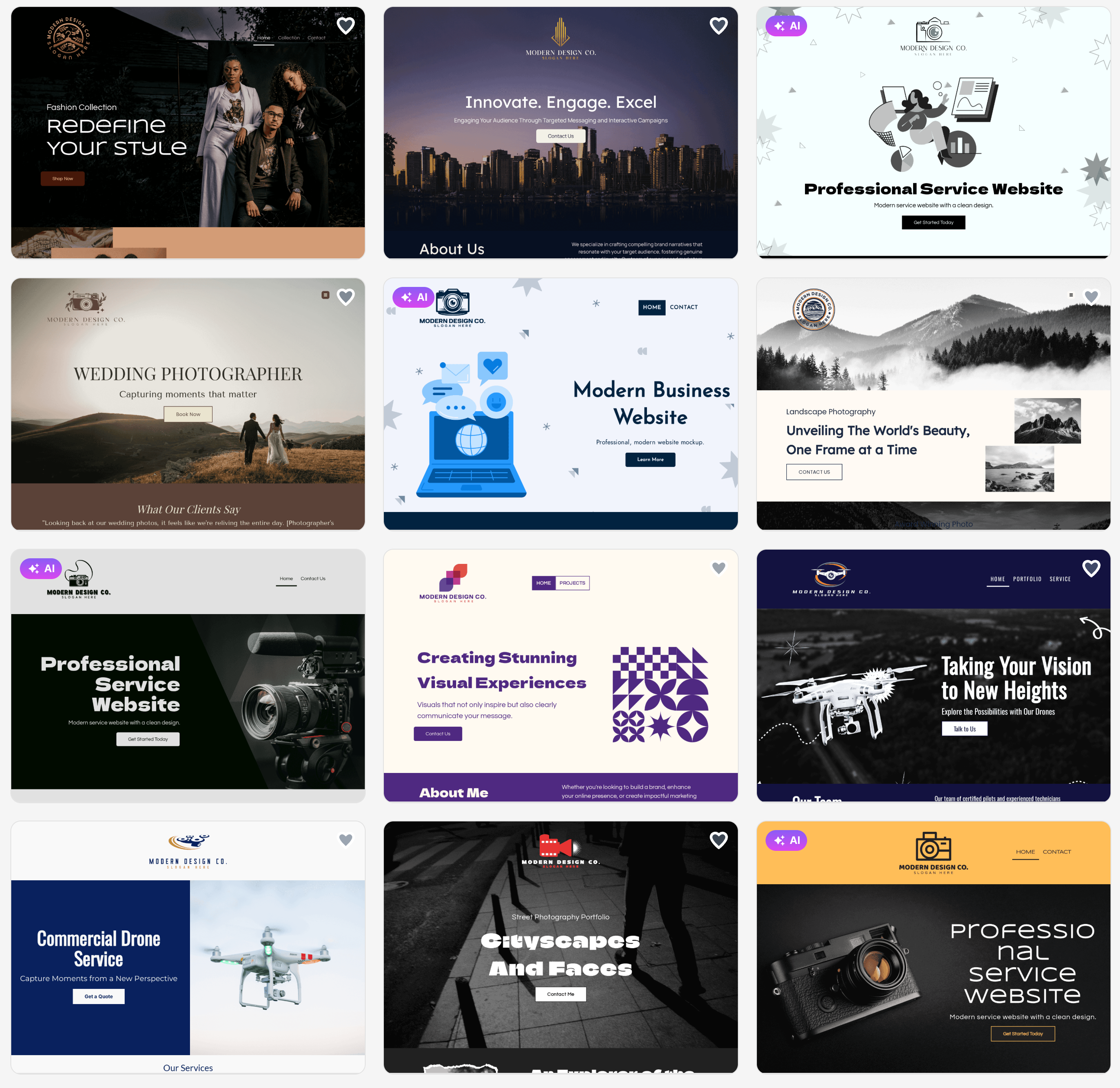
These are just a few examples of the dozens of designs Design.com generates for every prompt. The platform makes it easy to explore multiple options and find the perfect look for your business.
Pricing
Design.com offers flexible pricing options to fit different budgets and needs.
Free Plan
- Basic website with hosting
- Up to 3 pages
- Design.com watermark
- Limited website editor features
- Contact form
- Video embedding
- Maps integration
Paid Plans
- Monthly Plan: $9 per month (billed monthly)
- Annual Plan: $6 per month (billed annually)
Both paid plans include:
- Cancel anytime
- 1 professional website
- 100+ website templates
- Mobile-friendly design
- Unlimited pages
- Free custom/branded URL
- Connect your own custom domain
- Full website editor access
- Contact form
- Email capture tools
- Image gallery and image library
- Video support
- Accept payments
- 24/7 customer care
Quick Overview
- Design Quality: High
- Number of Options Generated: Dozens
- Trustpilot Rating: 4.7 (3,000+ reviews)
- Strengths: Beautiful design, multiple options, premium logos, brand consistency
- Weaknesses: Fewer advanced features than traditional builders
- Also Offers: Logo design, business cards, 1M+ templates, custom domains
- Best for: Small businesses, entrepreneurs, and anyone who wants a beautiful design fast
2. BrandCrowd
Overall Rating: 8.5/10
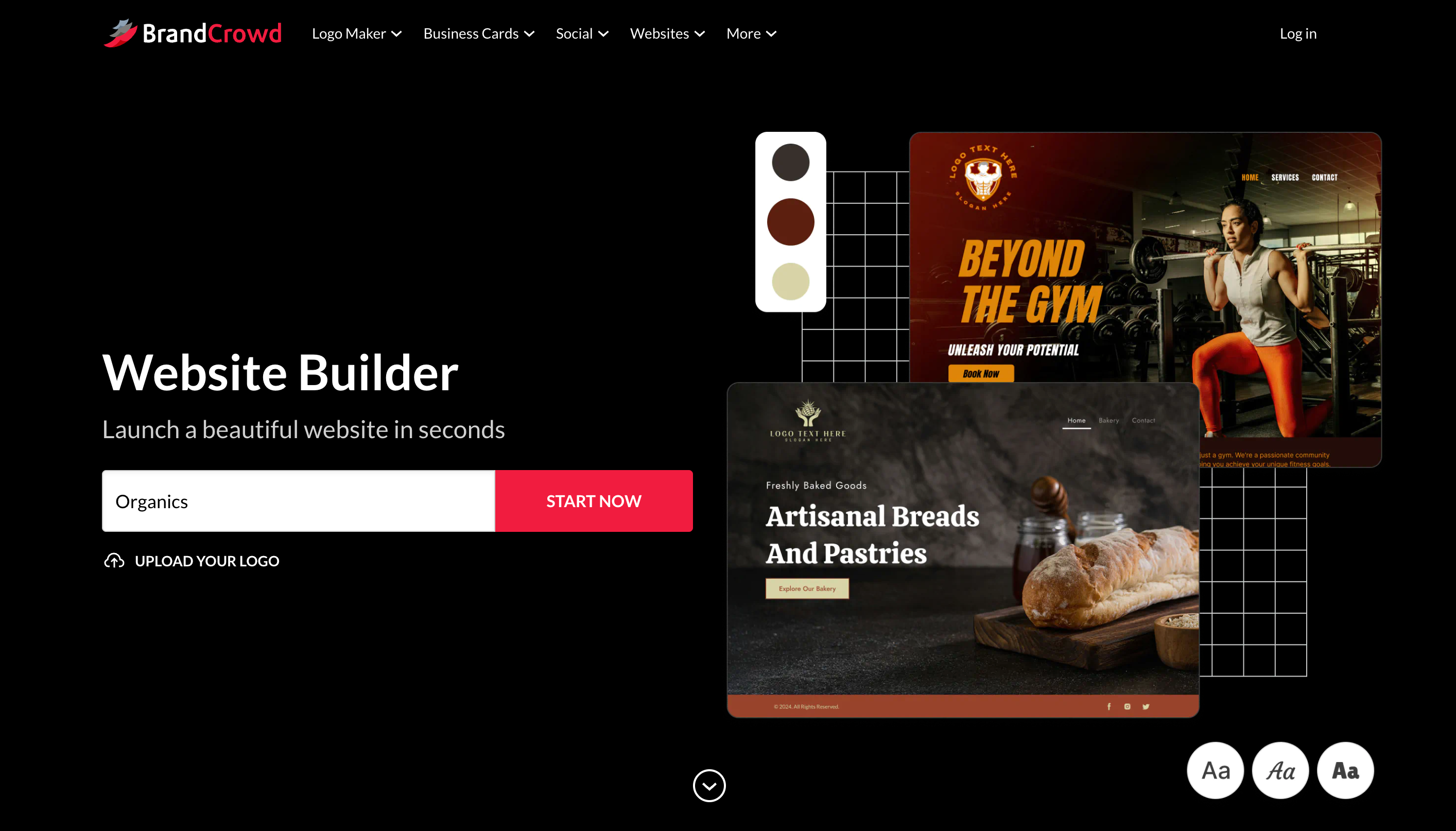
BrandCrowd's website builder takes a different approach by combining website creation with complete brand identity tools. BrandCrowd has built a strong reputation as a logo maker with a 4.8 rating on Trustpilot from over 9,000 reviews. If you care about creating a cohesive brand across all your materials, BrandCrowd deserves a close look.
Key Features
- Create your logo, design branded materials, and build your website in one place
- Logo, color scheme, and overall style stay consistent across everything
- Access to over 750 fonts, including 525 exclusive fonts
- More than 62,000 custom vector shapes for unique designs
- Intuitive drag and drop interface
- Simple to use, even with no design experience
- Adjust fonts, colors, and layouts with just a few clicks
- Keep everything consistent with your brand identity
- Contact forms and email capture tools
- Image galleries and video support
- Payment processing capabilities
- Mobile-friendly responsive design
- Connect your own custom domain
- Completely free templates available to use
How to Get Started with BrandCrowd
BrandCrowd makes it easy to build a complete brand identity along with your website.
- Choose from free or premium templates to start your design
- Customize the template with your brand colors, fonts, and content
- Use the drag and drop editor to arrange elements exactly how you want
- Add essential features like contact forms and payment processing
- Publish your website and matching brand materials together
Want to see what BrandCrowd can do for your business? Here are some sample homepage designs the platform generated for a coffee shop called Brew & Bean Cafe.
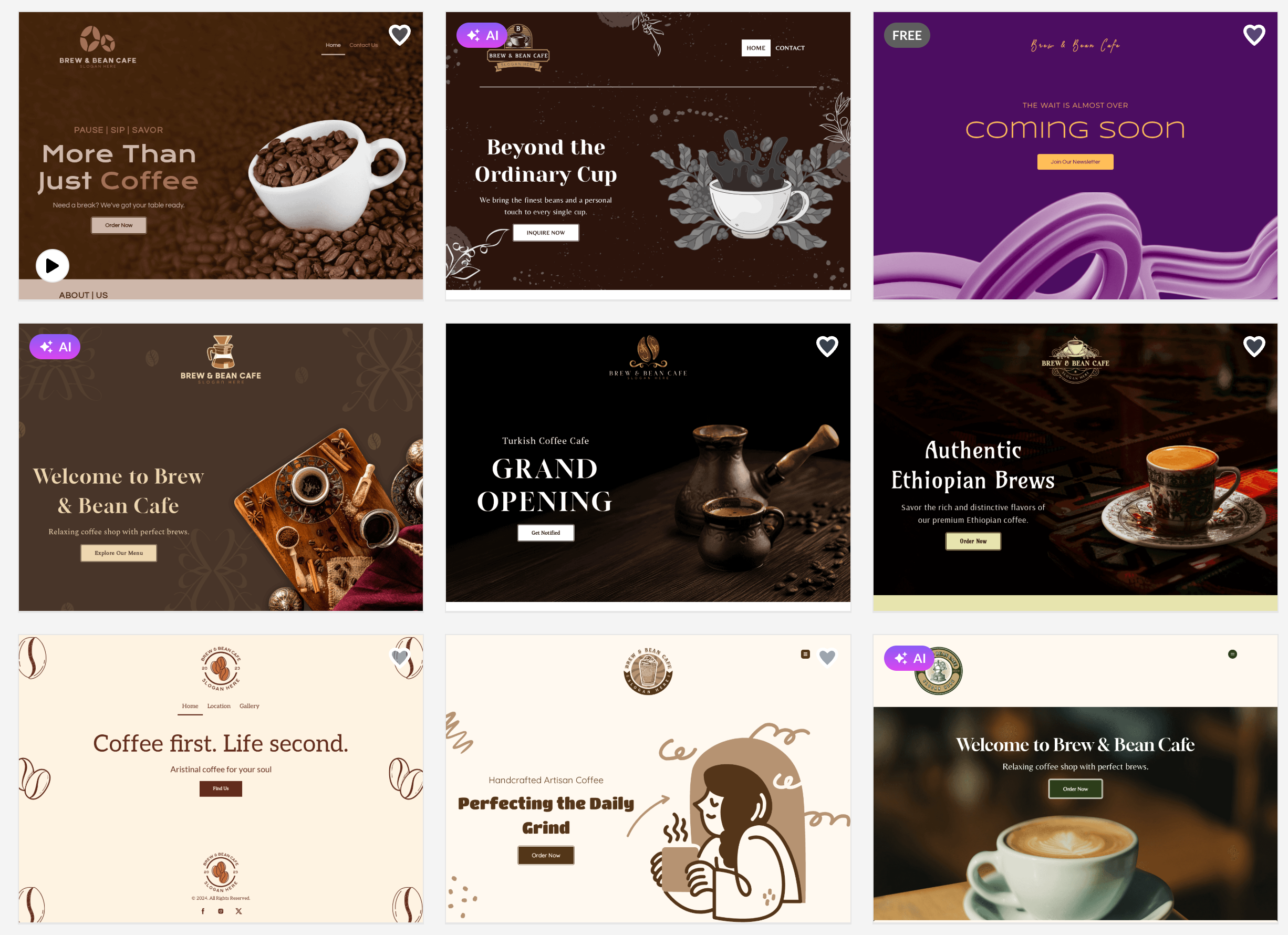
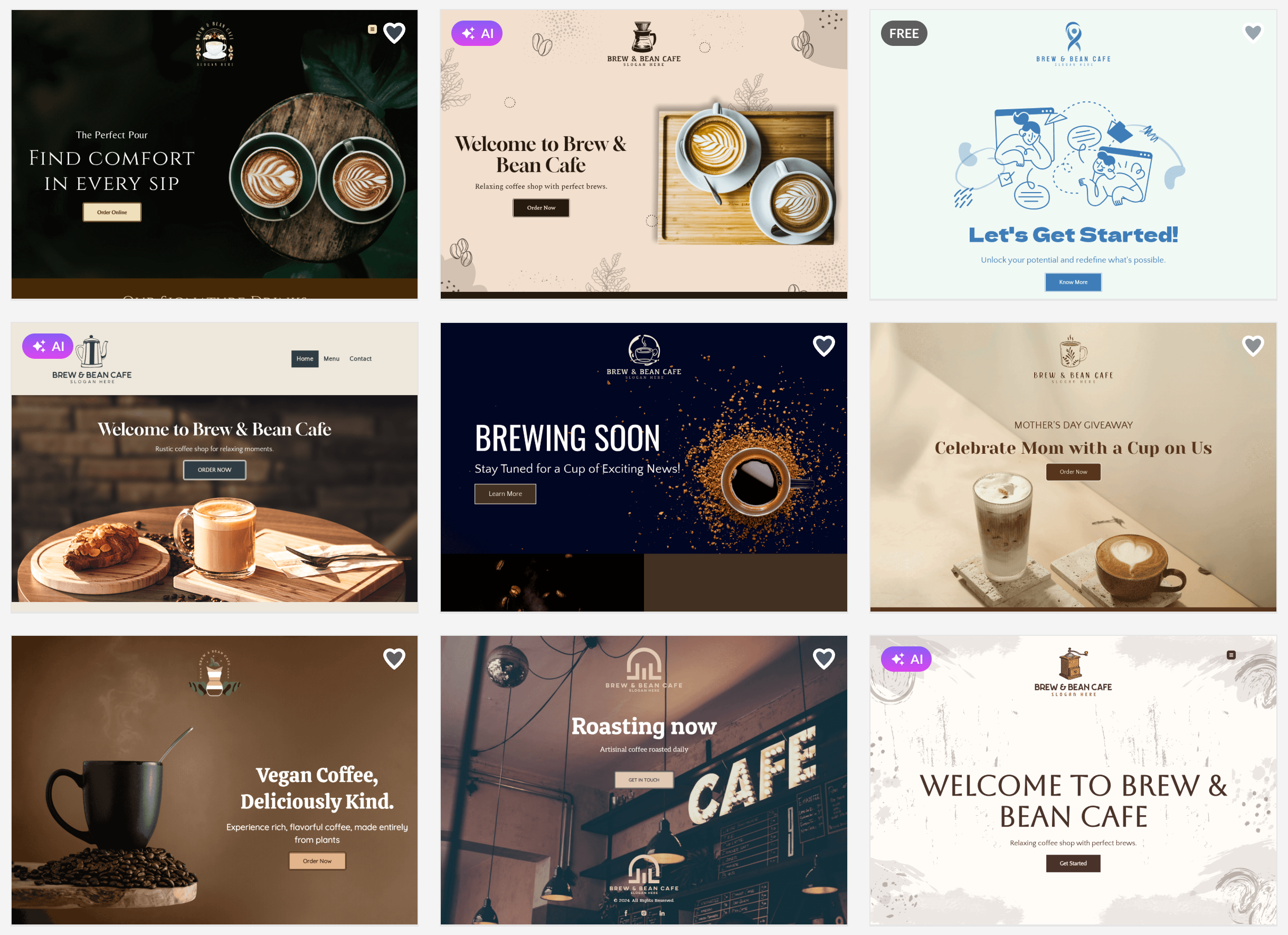
These samples showcase the kind of cohesive branding BrandCrowd excels at creating. You can generate similar designs tailored specifically to your business and industry in just minutes.
Pricing
BrandCrowd offers the same flexible pricing structure as Design.com, making it affordable for businesses of all sizes.
Free Plan
- Basic website with hosting
- Up to 3 pages
- BrandCrowd watermark
- Limited website editor features
- Contact form
- Video embedding
- Maps integration
Paid Plans
- Monthly Plan: $9 per month (billed monthly)
- Annual Plan: $6 per month (billed annually)
Both paid plans include:
- Cancel anytime
- 1 professional website
- 100+ website templates
- Mobile-friendly design
- Unlimited pages
- Free custom/branded URL
- Connect your own custom domain
- Full website editor access
- Contact form
- Email capture tools
- Image gallery and image library
- Video support
- Accept payments
- 24/7 customer care
Quick Overview
- Design Quality: High
- Trustpilot Rating: 4.8 (9,000+ reviews)
- Strengths: Brand consistency, massive design library, all-in-one branding suite
- Weaknesses: May have more features than needed for simple sites
- Also Offers: Logo maker, branding tools, 750+ fonts, 62K+ vector shapes
- Best for: Businesses building a complete brand identity
3. Neo Sites
Overall Rating: 8.5/10
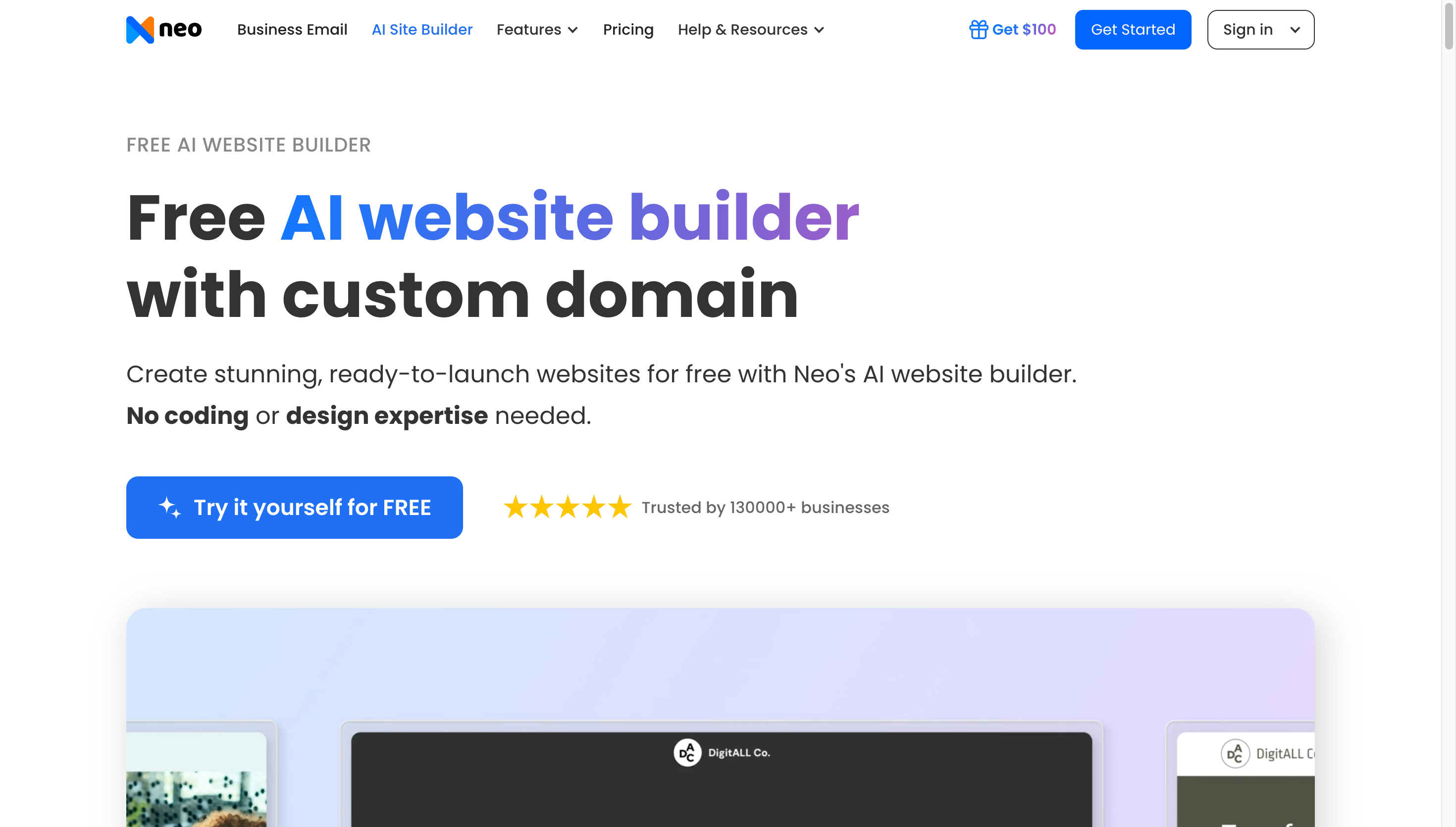
For entrepreneurs just starting or businesses on a tight budget, Neo Sites offers a way to create professional websites without spending money. The platform uses AI to help you build sites quickly while keeping costs at zero. This makes it perfect for testing ideas or launching minimum viable products.
Key Features
- No cost to create and publish professional websites
- Perfect for entrepreneurs just starting out
- Great for businesses on a tight budget
- No credit card required to get started
- Create unlimited pages and add content easily
- Publish your site for free with no restrictions
- Essential features most small businesses need
- Clean, functional designs that work on all devices
- Ideal for testing business ideas without financial risk
- Launch minimum viable products without investment
- Create simple business websites at zero cost
- Removes the financial barrier to getting online
How to Get Started with Neo Sites
Neo Sites makes it simple to get your website online without spending a dime.
- Sign up for a free account with no credit card needed
- Use AI tools to help build your website structure
- Add your content and customize the design
- Publish your site for free and start getting visitors
- Upgrade later if you need additional features
Curious about the quality you can get for free? Here are some sample homepage designs created with Neo Sites for a consulting firm called Summit Strategy Group.
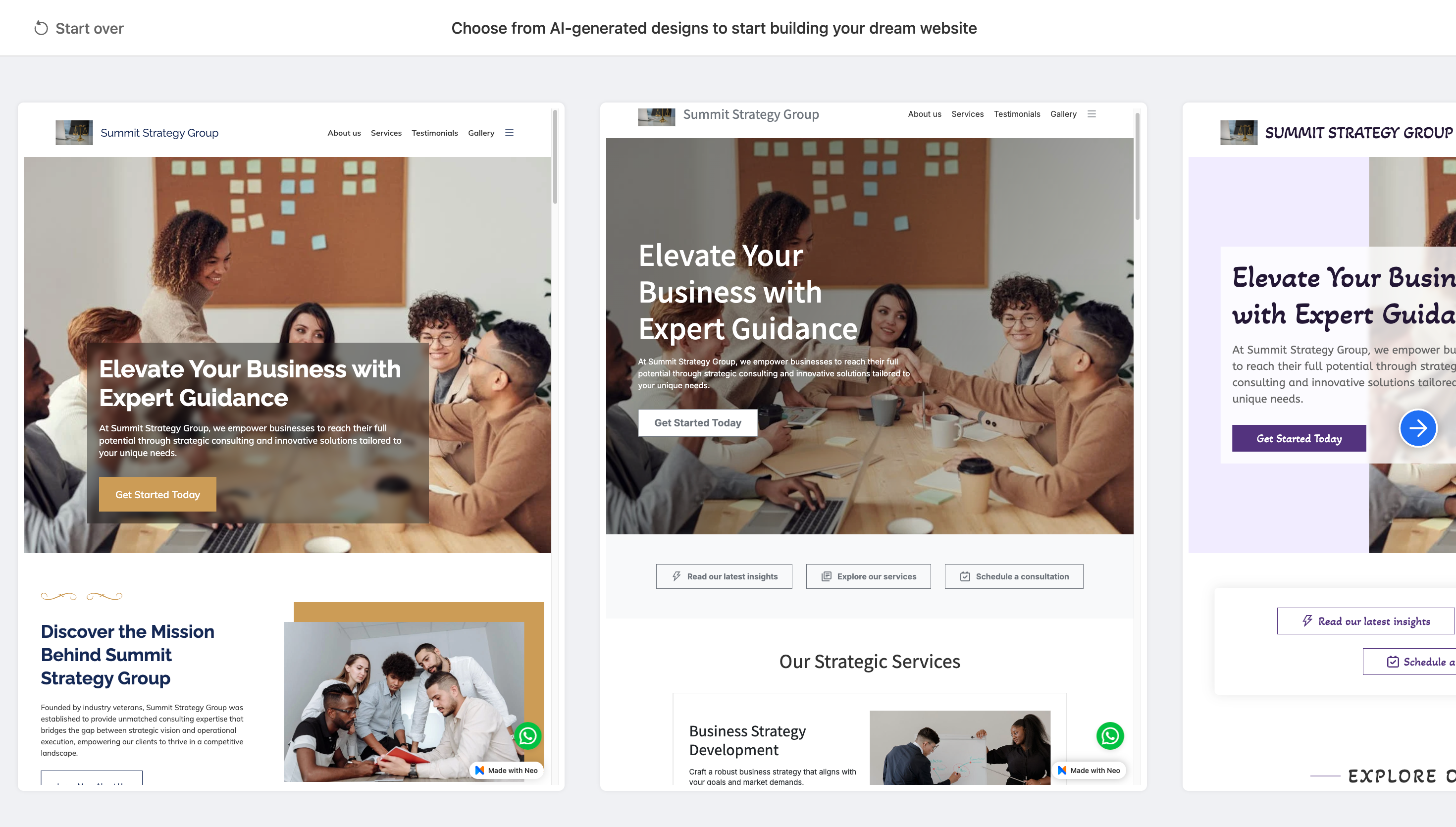
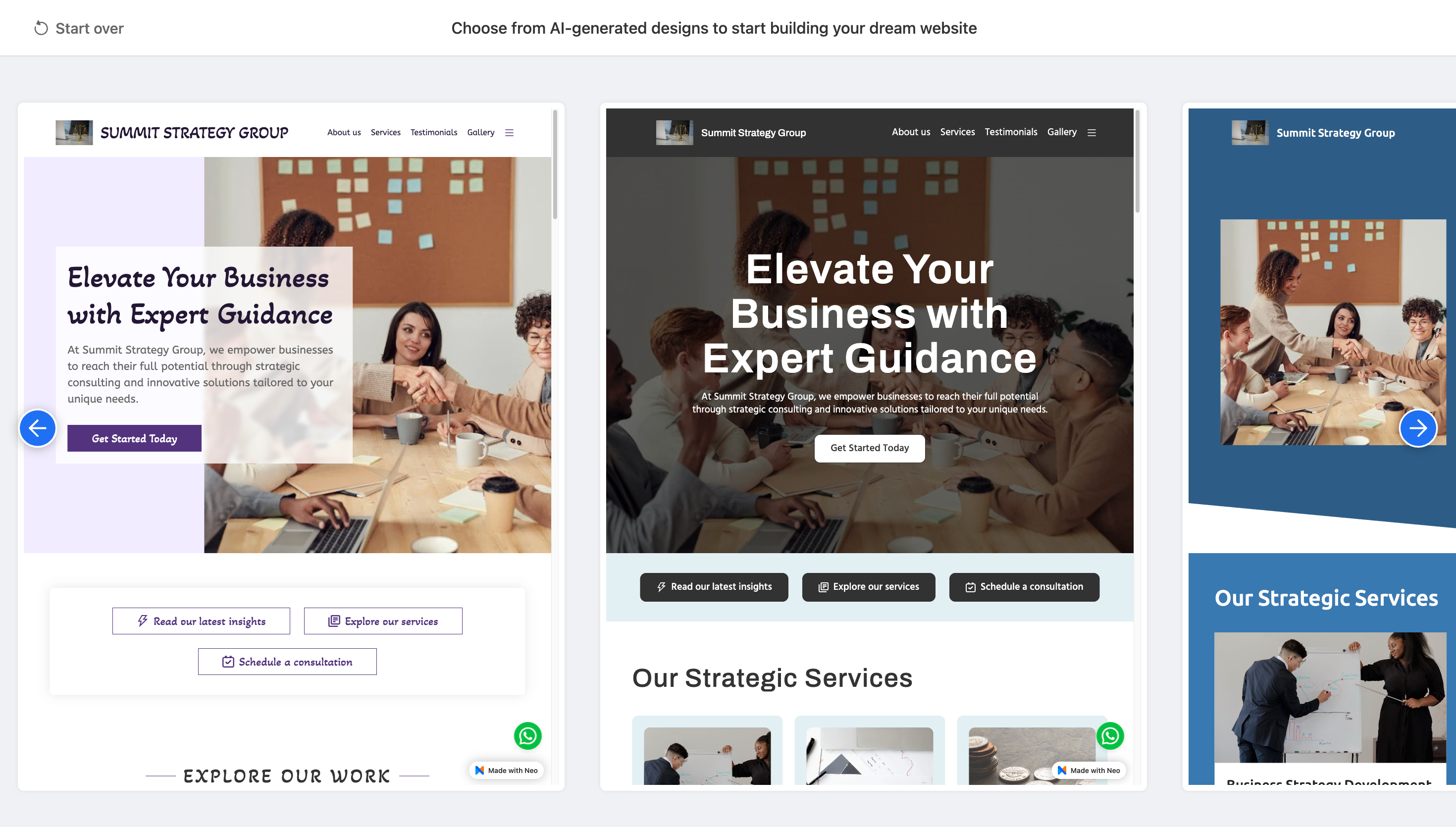
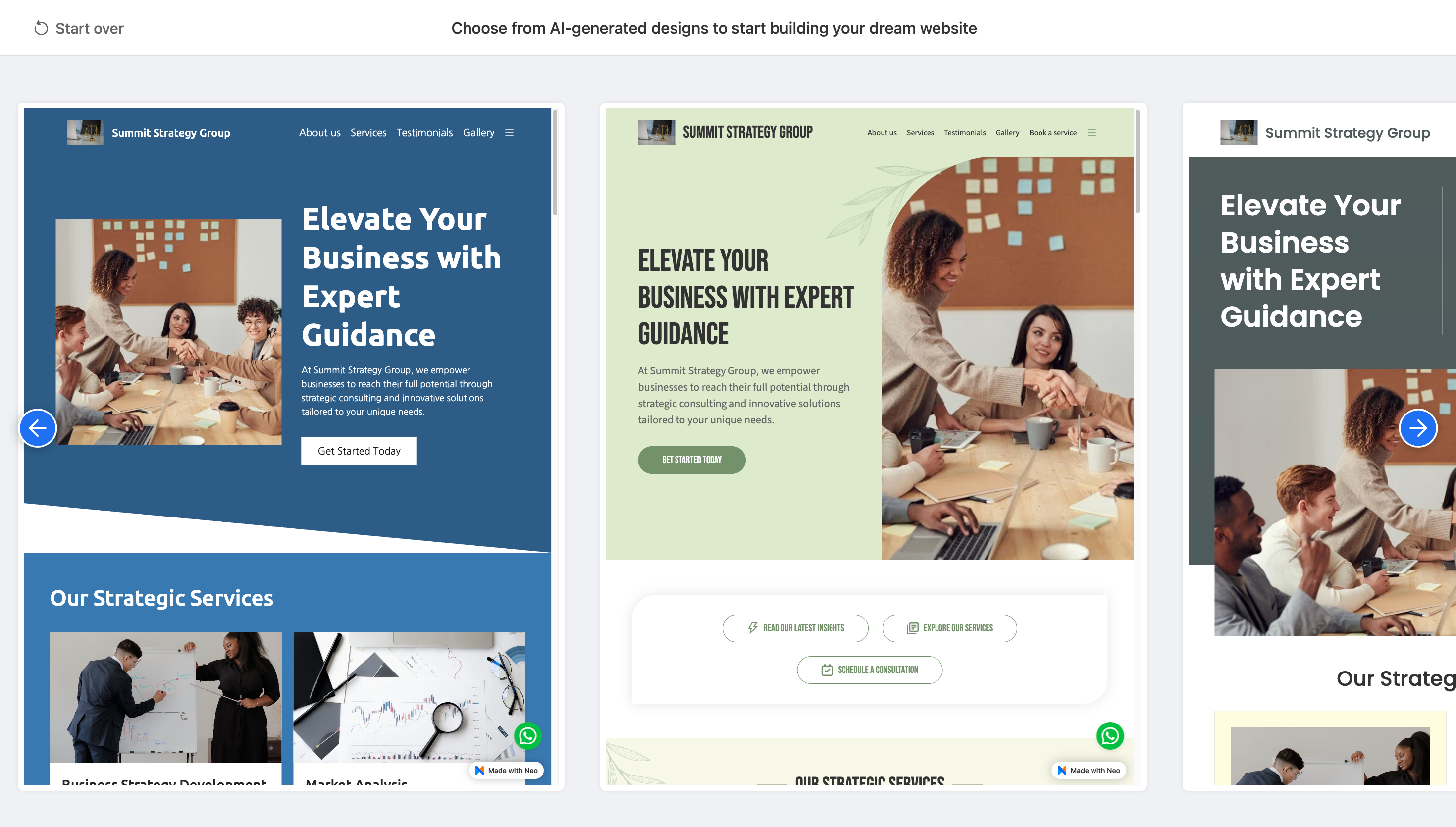
Not bad for a free platform. The best part is you can create your own professional website just like these without spending a dime or entering your credit card.
Pricing
Neo Sites stands out by offering its core features completely free.
Free Plan
- No cost to create and publish websites
- Unlimited pages
- Essential website features
- Mobile responsive design
- No credit card required
- Perfect for startups and testing business ideas
Additional premium features may be available for those who need advanced functionality. Check the Neo Sites website for current upgrade pricing and options
Quick Overview
- Design Quality: Medium
- Strengths: Completely free, good for startups and budget-conscious businesses
- Weaknesses: Fewer premium features and design options
- Best for: Startups, entrepreneurs on a budget, testing business ideas
4. Wix
Overall Rating: 7.5/10
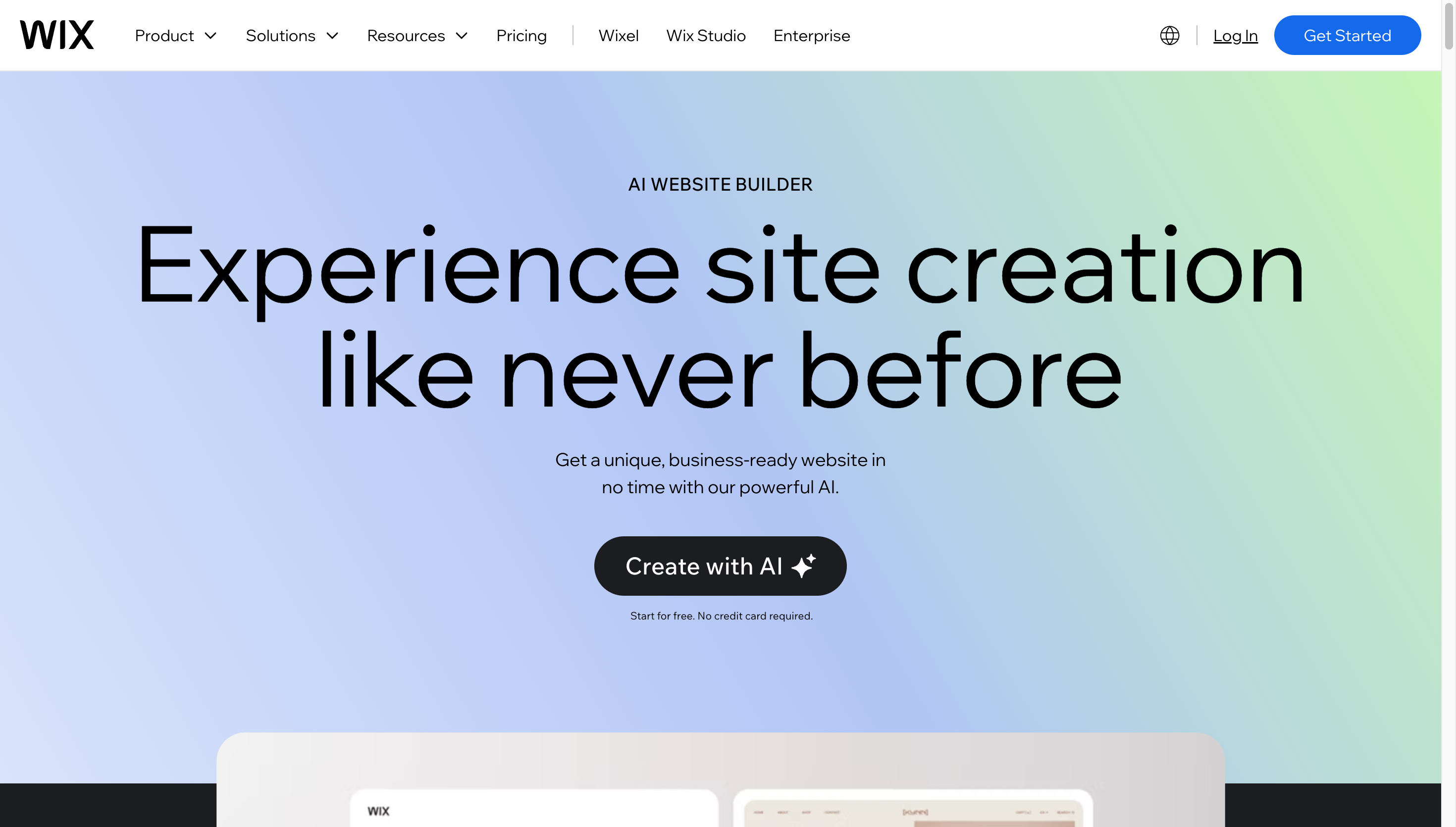
Wix's AI website builder brings artificial intelligence to one of the most popular website platforms in the world. Wix uses a chat-based interface that asks you questions about your business to generate your site. Where Wix really excels is in its advanced features and robust platform capabilities. If you need powerful tools and extensive customization options, Wix delivers.
Key Features
- Powerful editing tools for deep customization
- Extensive app marketplace with hundreds of integrations
- Professional marketing tools built in
- Advanced SEO features to help you rank better
- Professional features beyond basic website creation
- Everything you need to run a full online store
- Product management and inventory tracking
- Multiple payment gateway options
- Shipping and tax calculations
- Order management system
- Decent design quality, but not exceptional
- AI-generated layouts can feel somewhat generic
- Logo creation is weak compared to Design.com or BrandCrowd
- The platform makes up for design limitations with powerful features
How to Get Started with Wix
Wix uses a conversational approach to build your website.
- Answer questions in the chat interface about your business and needs
- Wix AI generates a website based on your answers
- Review the generated design and layout
- Use the powerful editor to customize every detail
- Add apps and integrations to extend functionality
- Publish your site when ready
To show you what Wix can build, here are some sample page designs generated by the platform:
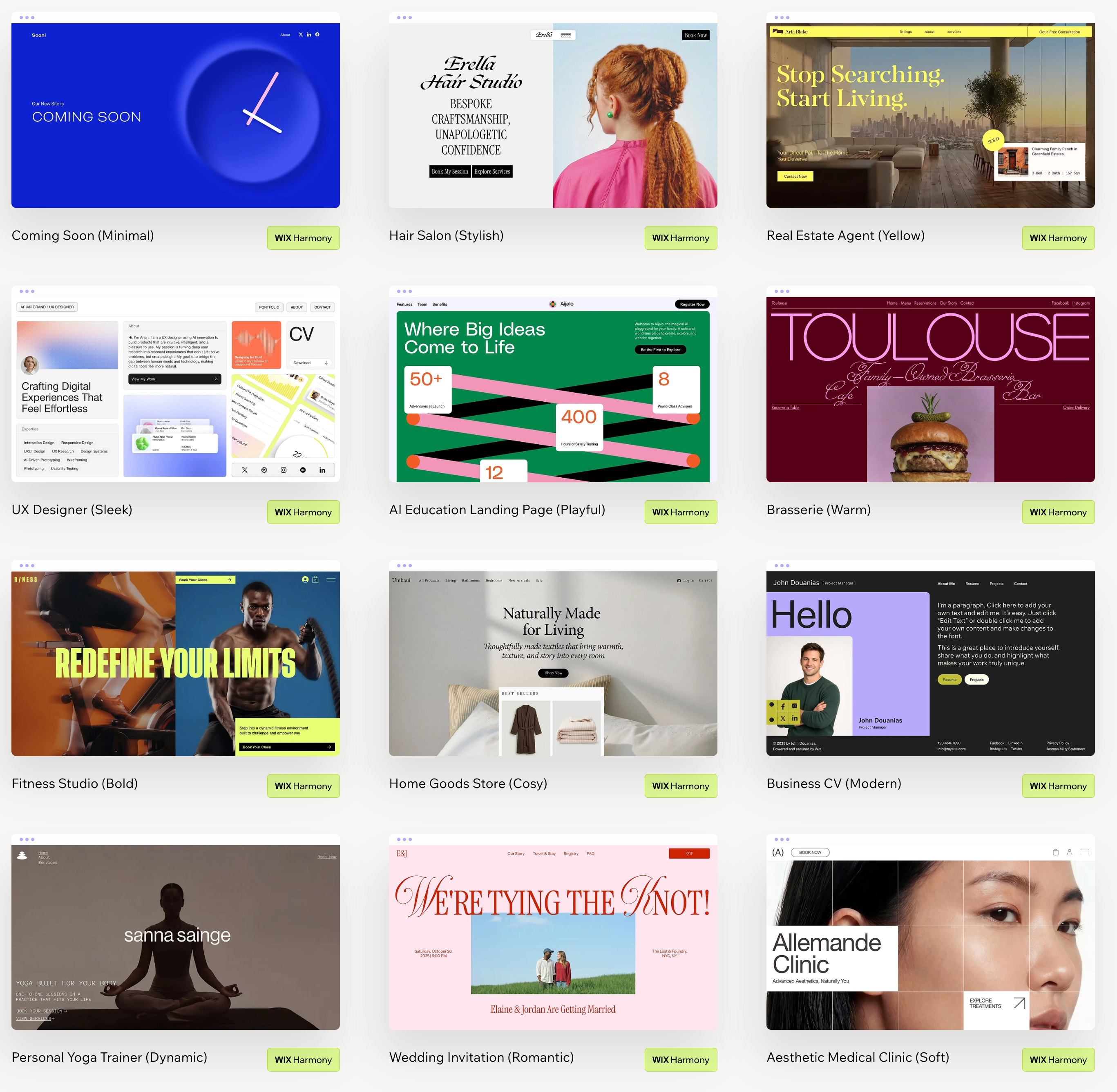
These examples demonstrate what Wix can build. The platform offers even more customization options once you dive into the full editor and app marketplace.
Pricing
Wix offers various pricing tiers to accommodate different business needs.
Website Plans start at $17 per month
- Includes custom domain, hosting, and essential features
- Additional plans are available with more features and storage
Business & Ecommerce Plans start at $27 per month
- Full ecommerce capabilities included
- Accept online payments and manage inventory
All paid plans include:
- Custom domain connection
- Remove Wix ads
- Professional features
- Storage and bandwidth
- 24/7 customer support
Note: Pricing may vary; Check the Wix website for current rates and plan details.
Quick Overview
- Design Quality: Medium
- Number of Options Generated: 1
- Strengths: Advanced editing, powerful ecommerce, extensive app marketplace
- Weaknesses: Generic designs, weak logos, higher learning curve
- Also Offers: Ecommerce platform, marketing tools, custom domains
- Best for: Online stores, businesses needing advanced features
5. Squarespace
Overall Rating: 7.5/10
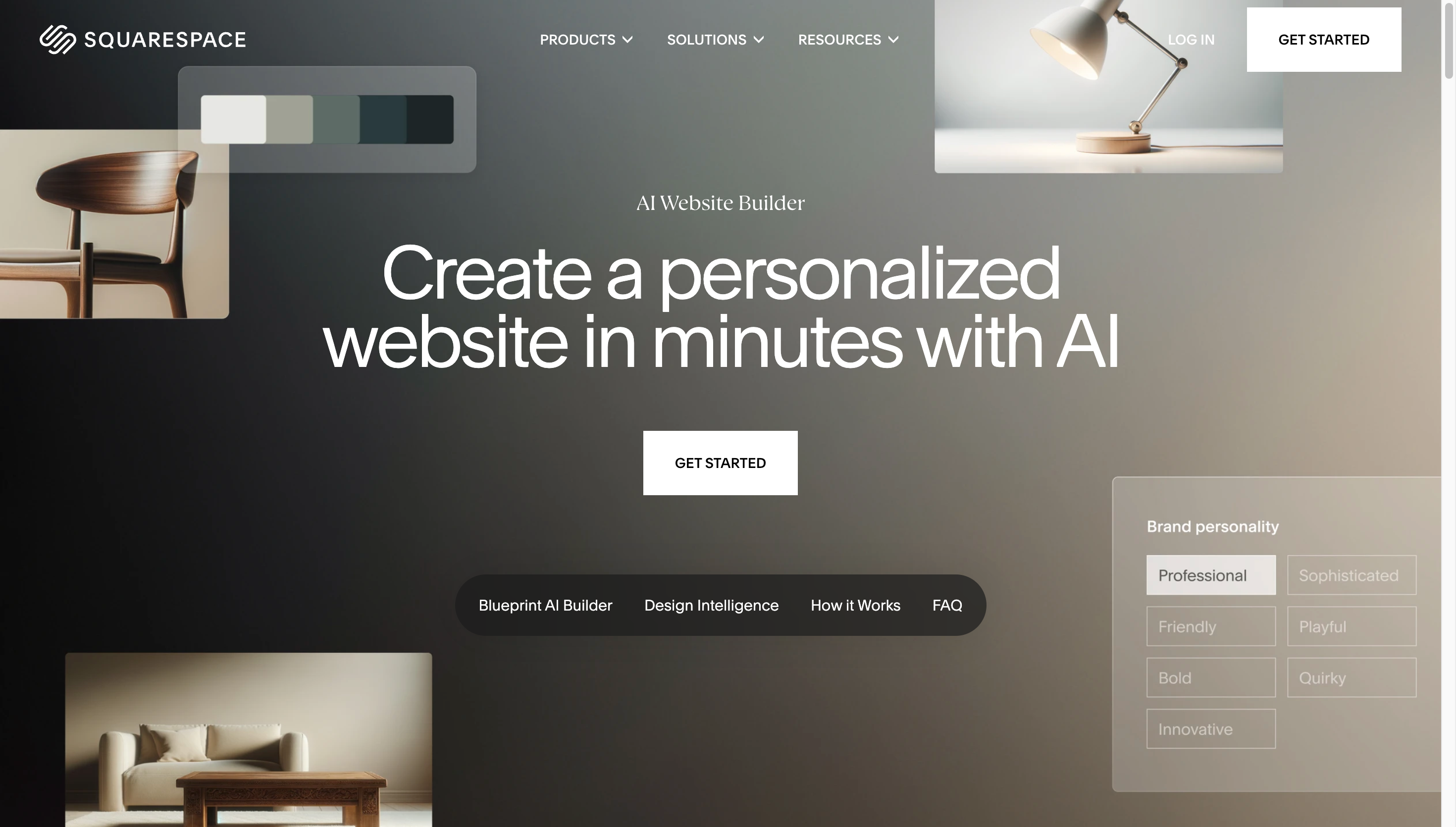
Squarespace's AI website builder brings artificial intelligence to a platform known for beautiful, minimalist design. Squarespace takes a different approach than other builders by guiding you through a multi-step process rather than using a chat interface. The platform is famous for its clean aesthetic and sophisticated design philosophy. If you appreciate minimalist style and want a polished professional look, Squarespace is worth considering.
Key Features
- Clean, modern aesthetic throughout every template
- Simple layouts with plenty of white space
- Professional photography included in templates
- Famous for its sophisticated and elegant design philosophy
- Excellent ecommerce features for online selling
- Beautiful templates across many industries
- Professional design tools for customization
- Popular with creative professionals and artists
- Custom domain support and email marketing
- Does not create custom logos like Design.com
- Generated sites have basic text-based headers instead of logo designs
- Less AI-driven than pure AI website builders
- More traditional builder approach with AI assistance
How to Get Started with Squarespace
Squarespace guides you through a structured process to build your site.
- Answer questions about your business type and goals
- Choose from AI-suggested templates based on your industry
- Customize the template with your content and images
- Adjust colors, fonts, and layouts using the visual editor
- Add ecommerce features if you plan to sell products
- Publish your professionally designed website
Looking for inspiration? Here are some sample homepage designs created with Squarespace:
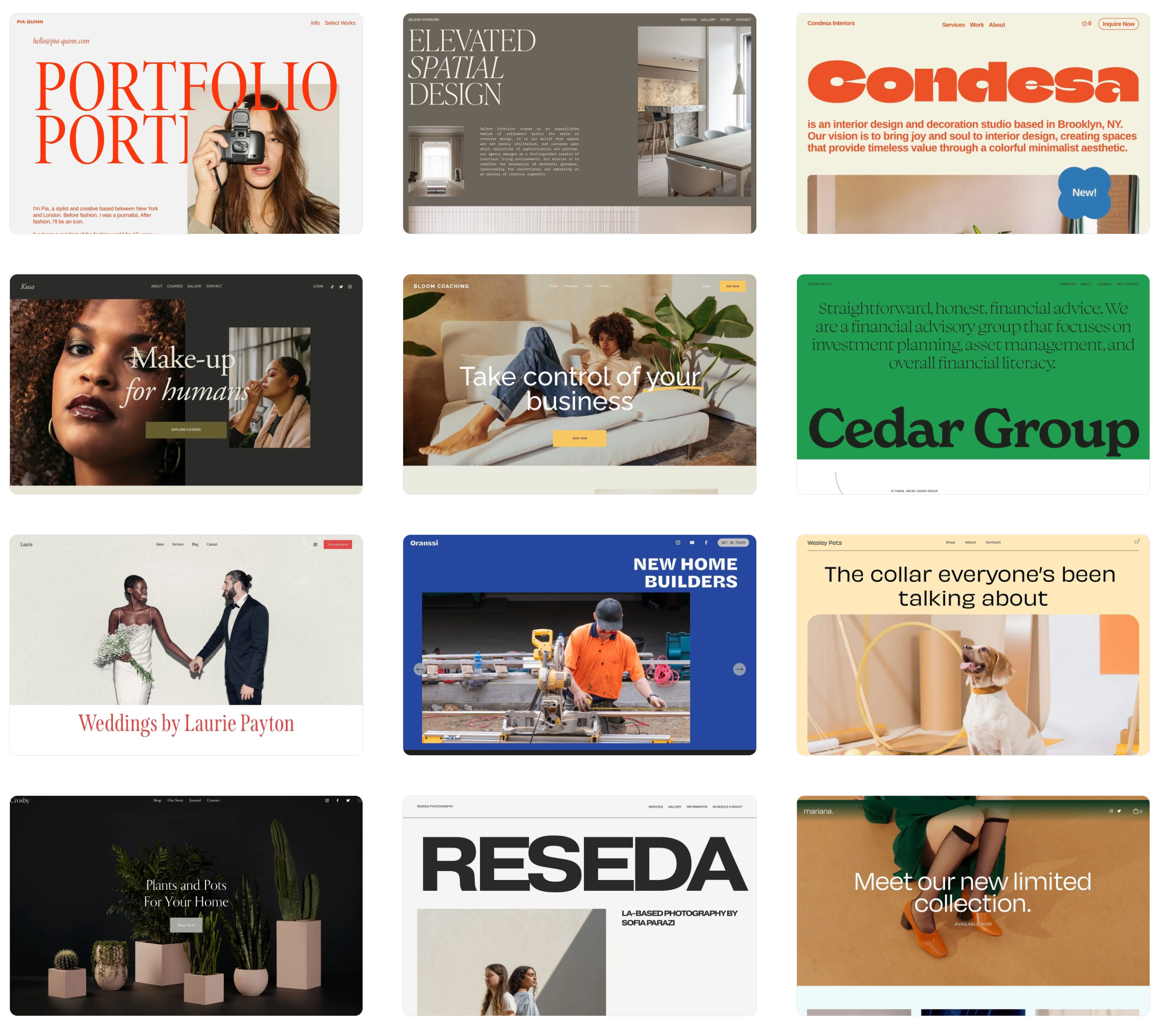
These designs highlight Squarespace's signature minimalist aesthetic. The platform offers hundreds more templates across different industries, all with the same polished and sophisticated feel.
Pricing
Squarespace offers tiered pricing based on your website needs.
Website Plans (starting at)
- Personal Plan: $16 per month (billed annually)
- Basic website features and a custom domain
Business Plans (starting at)
- Business Plan: $23 per month (billed annually)
- Advanced website features and basic ecommerce
Commerce Plans (starting at)
- Basic Commerce: $27 per month (billed annually)
- Full ecommerce capabilities
All plans include:
- Beautiful templates
- Custom domain
- SSL security
- 24/7 customer support
- Mobile responsive design
Note: Pricing may vary; check the Squarespace website for current rates and plan details.
Quick Overview
- Design Quality: Medium
- Number of Options Generated: 1
- Strengths: Minimalist aesthetic, quality photography, strong ecommerce features
- Weaknesses: No custom logos, less AI-driven than competitors
- Also Offers: Ecommerce platform, professional templates, custom domains
- Best for: Creative professionals, minimalist design lovers, sophisticated brands
Start Designing Your Website Now
Choosing the right AI website builder can make a huge difference in how quickly you get your business online and how professional your site looks. The good news is that these tools have become incredibly powerful and easy to use.
For small businesses and entrepreneurs who want a beautiful, professional website created quickly, Design.com and BrandCrowd stand out with their fast generation, multiple design options, and high-quality logos. Both platforms make it easy to create a complete brand presence beyond just your website, with access to over 1 million design templates. You can have matching business cards, social media graphics, and other branding materials all designed in the same style.
The other platforms we reviewed also offer value. Whether you need budget-friendly options, powerful ecommerce capabilities, or sophisticated minimalist designs, there are solid choices available depending on your priorities.
The barrier to getting your business online has never been lower. With AI website builders, you can have a professional-looking website up and running in minutes without needing technical skills or a big budget.
Explore DesignCrowd blog posts here:
FAQs on AI Website Builders
What is an AI website builder?
An AI website builder is a tool that uses artificial intelligence to automatically generate website designs from simple prompts, such as your business name and industry. Instead of building from scratch, the AI creates complete layouts, content, and designs that you can then customize to match your brand.
How much does an AI website builder cost?
Prices vary widely across platforms. Some AI website builders, like Design.com and BrandCrowd, offer completely free templates you can use alongside paid plans for advanced features.
Can I create a website without coding skills?
Yes, absolutely. AI website builders are designed specifically for people with no coding or design experience. You simply provide information about your business, and the AI handles the technical work while giving you easy tools to customize the results.
Which AI website builder is best for small businesses?
Design.com is excellent for small businesses because it generates dozens of design options quickly and includes high-quality custom logos. BrandCrowd is also great if you need complete branding materials alongside your website. Both platforms offer affordable pricing and professional results.
Do AI website builders create logos too?
Some do, some don't. Design.com and BrandCrowd both create custom logos as part of their website generation process.
How long does it take to build a website with AI?
With AI website builders, you can have a complete website generated in seconds to minutes. Design.com and BrandCrowd generate dozens of options in just seconds. The total time depends on how much customization you want to do after the initial generation.
Hannah Suroy suroy brings clarity to complex topics across entertainment, business, and creative industries. She specializes in translating industry trends and innovations into engaging content that helps readers understand the creative process behind the work they love.
Written by DesignCrowd on Friday, February 20, 2026
DesignCrowd is an online marketplace providing logo, website, print and graphic design services by providing access to freelance graphic designers and design studios around the world.
