Are you looking to give your brand a fresh, memorable identity in 2026? A strong logo can make all the difference in standing out from the competition and leaving a lasting impression on your audience. Choosing the right logo design company is the first step toward creating a logo that truly represents your brand’s values and vision.
With so many options available, it can be overwhelming to find a company that combines creativity, experience, and ease of use. Some focus on custom logo design, while others use AI tools to generate professional logos in minutes. Knowing what each company offers can help you make a smarter choice.
In this blog, we'll check out some of the best logo design companies in 2026.
Why Choosing the Right Logo Design Company Is Important
Your chosen company affects every part of your brand and how customers see your business. Here’s why the right logo design company is important:
Builds trust and brand credibility
A professionally designed logo helps your business look trustworthy and credible to customers from the very first glance. Research shows that consumers often judge a business’s legitimacy by its visual branding, especially its logo.
Polished, purposeful logos make people more likely to take your business seriously and feel confident choosing you over competitors.
Creates a strong and memorable identity
Good companies know how to design logos that resonate and stay in people’s minds. A unique, custom logo becomes a visual cue that customers associate with your products or services. This memorability not only helps with recognition but can help your brand become top-of-mind when people are ready to buy.
Ensures consistency across all platforms
Your logo appears everywhere from websites to social media, business cards, packaging, and ads. The right design company makes sure your logo remains consistent and effective across all these touchpoints.
Consistency builds familiarity, and familiarity builds trust over time, strengthening your brand experience.
Avoids common design and legal mistakes
Professional logo designers know how to avoid pitfalls that DIY or low-cost solutions often overlook. They create original designs that are legally safe, meaning you avoid copyright issues or logos that look too similar to others. That legal protection matters if you plan to trademark your brand.
Helps your brand stand out from competitors
In crowded markets, it’s not enough to just have a logo. You need one that differentiates you. The right design company will understand your industry and target audience, so your logo not only looks good but also communicates what makes your brand unique.
6 Best Logo Design Companies
With so many logo makers out there, you might wonder why we chose these five. Here’s a quick overview that shows exactly what makes each one stand out.
| Platform |
Why We Chose It |
Key Strength |
| Design.com |
Simple logo creation with strong AI suggestions and highly editable templates |
Fast, guided logo generation |
| BrandCrowd |
Huge library of ready-made templates with strong filtering and easy customization |
Massive template selection |
| DesignCrowd |
Custom logo designs from multiple designers through design contests |
Wide range of unique design ideas |
| Wix Logo Maker |
AI-driven creation that adapts to your style and industry preferences |
Personalized logo results |
| Adobe Express |
Powerful creative tools, animations, and extensive design assets |
Best for customization + animation |
| Canva |
Extremely beginner-friendly with strong collaboration, templates, and media library
|
Best for teams + template flexibility |
Here’s a more detailed look at the top logo design companies in 2026:
1. Design.com
Best for: Fast AI logos for small businesses
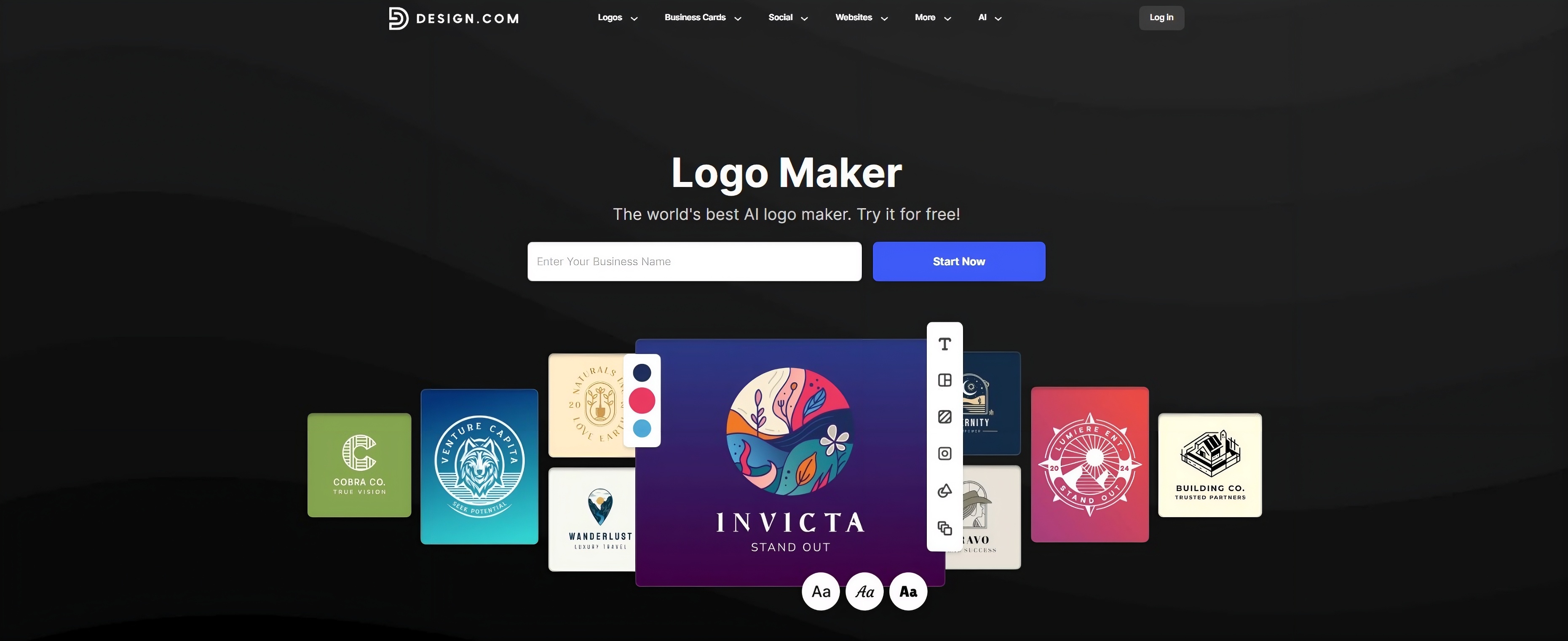
Our first pick: Design.com’s AI logo generator! The platform makes creating a professional logo fast, easy, and fun. Whether you’re starting a new business or refreshing your brand, the platform gives you instant access to thousands of expertly designed logos tailored to your industry.
For example, if you own a cafe offering coffee and cake, and want a logo that fits your brand, the image above shows an example of what your logo could look like. It highlights coffee and desserts in a warm, inviting style, giving you an idea of how your business can stand out.
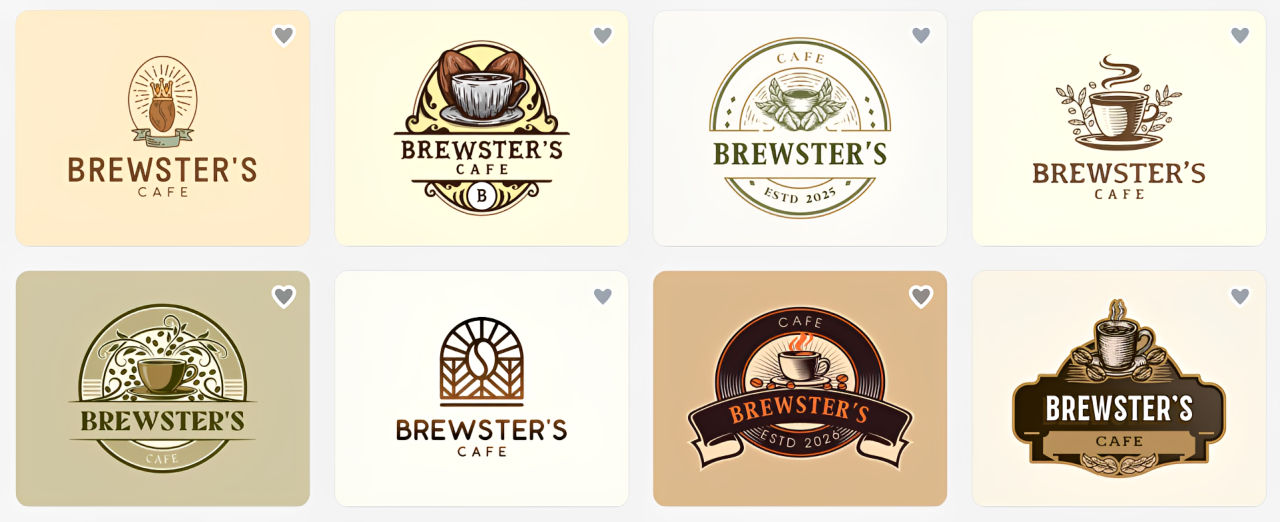
With Design.com, creating a logo is easy. Just enter your business name and keywords like coffee, cake, dessert, cafe, and the platform generates hundreds of templates you can customize.
If you want to narrow down your search, you can filter templates by style, like abstract, wordmark, vintage, or minimalist, and by color to match your brand.
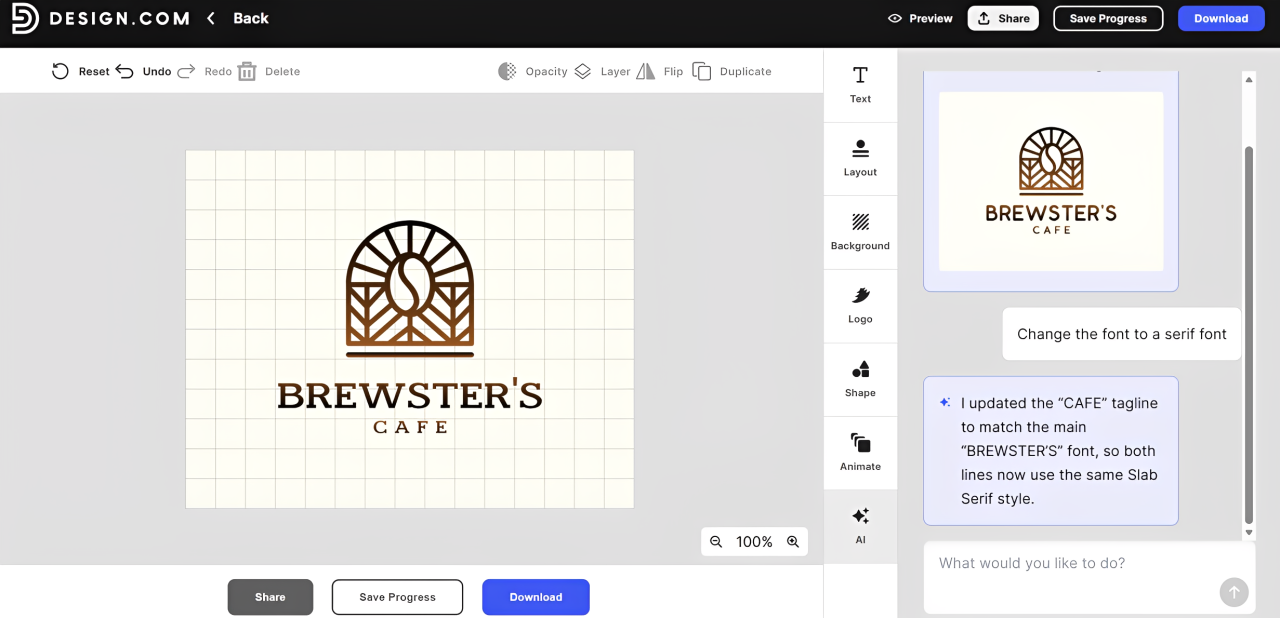
Once you have chosen your template, you can easily customize its layout, change the logo, add shapes, text, and animation to perfectly represent your cafe.
Key Features
- World’s largest logo library – Access over 400,000 logos in every style and industry, giving you unmatched variety to find the perfect fit.
- Higher quality, unique logos – Logos are exclusive to Design.com, crafted by professional designers, with no stock icons or generic clipart.
- Advanced AI design – Smart AI adapts logos based on your business name, industry, and keywords, generating thousands of tailored options instantly.
- Advanced AI logo editing – Edit both your logo icon and text using AI, request changes through a simple chat interface, and get copyright-safe edits powered by Design.com’s custom-trained model.
- Full design platform – 50+ design tools allow you to create everything from logos and websites to business cards, flyers, and social posts.
- Unlimited logo edits – Refine your design with smart AI tools that let you adjust colors, fonts, icons, and layouts endlessly, making it easy to create polished variations until your logo looks exactly the way you want.
- All file formats – Download logos in PNG, JPG, SVG, EPS, and PDF, ready for both web and print use.
- Complete brand kit – Create business cards, email signatures, letterhead, and more, all in line with your logo for consistent branding.
- Fastest logo generator – Generate your logo in seconds and refine it with simple, intuitive editing tools.
- World-class support 24/7 – Get help anytime via live chat or email, from creation to download and beyond.
- Genuinely free logos – Choose and download high-quality logos instantly, with no hidden costs or trials.
Pros
- Easy to Use
- Extensive Options
- Complete Branding
- Fast Generation
- Unlimited Edits
- Professional Quality
- 24/7 Support
Cons
- Best suited for beginners and small businesses
- Web-based only
2. BrandCrowd
Best for: Wide logo choices and brand kits
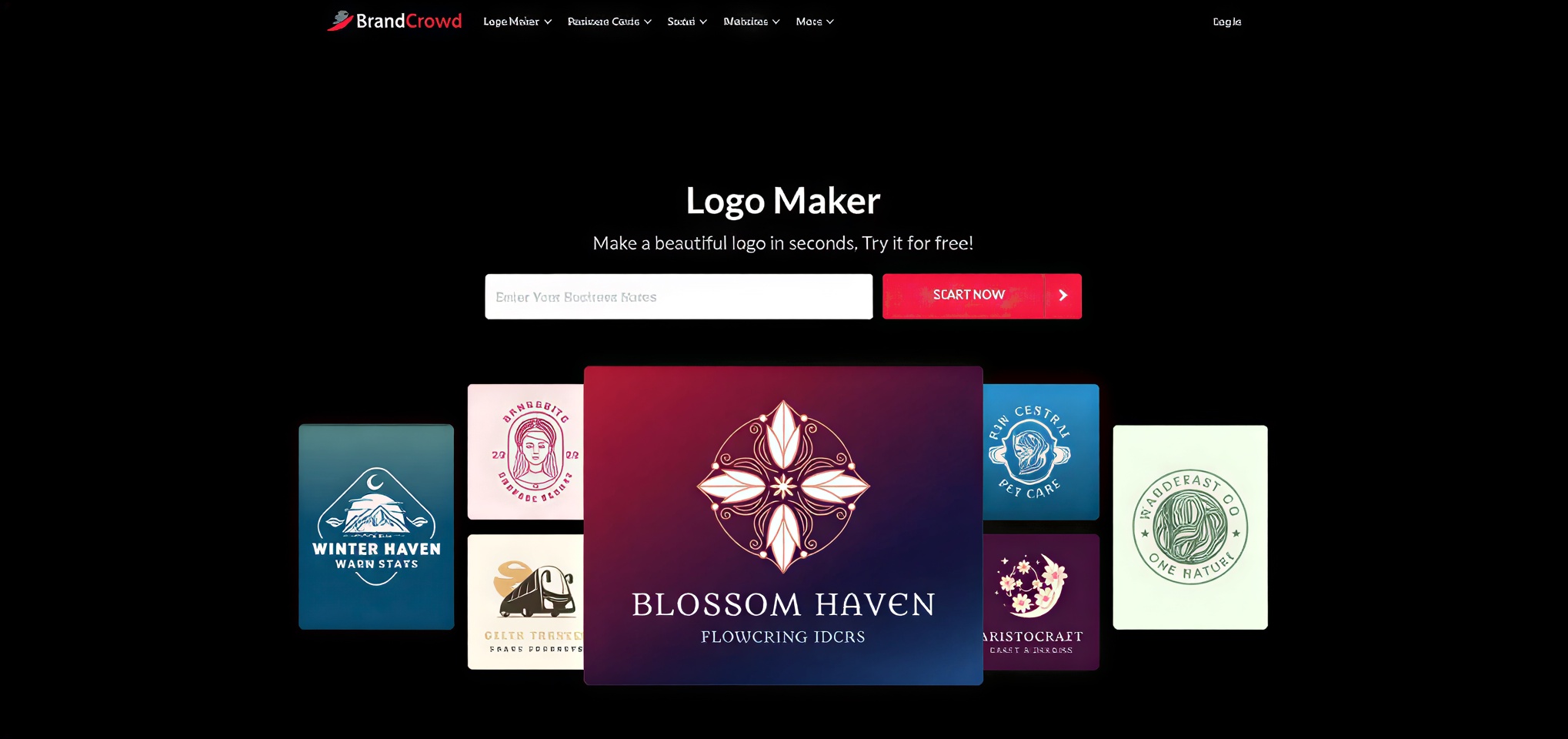 Next on our list is BrandCrowd, which is another top choice for creating professional logos quickly and easily. With access to a massive library of handcrafted logo designs and AI tools, you can generate hundreds, if not thousands, of logo options tailored to your business in seconds. The platform makes it simple to browse, customize, and download high-quality logos that perfectly match your brand’s identity.
BrandCrowd also offers a full branding ecosystem. From business cards and social media posts to websites and digital business cards, every element can be customized to align with your logo.
If you’re looking for the perfect logo for your steakhouse business, the image below shows an example of what your logo could look like. It highlights steak and grilling elements in a bold, appetizing style, giving your restaurant a strong and memorable identity.
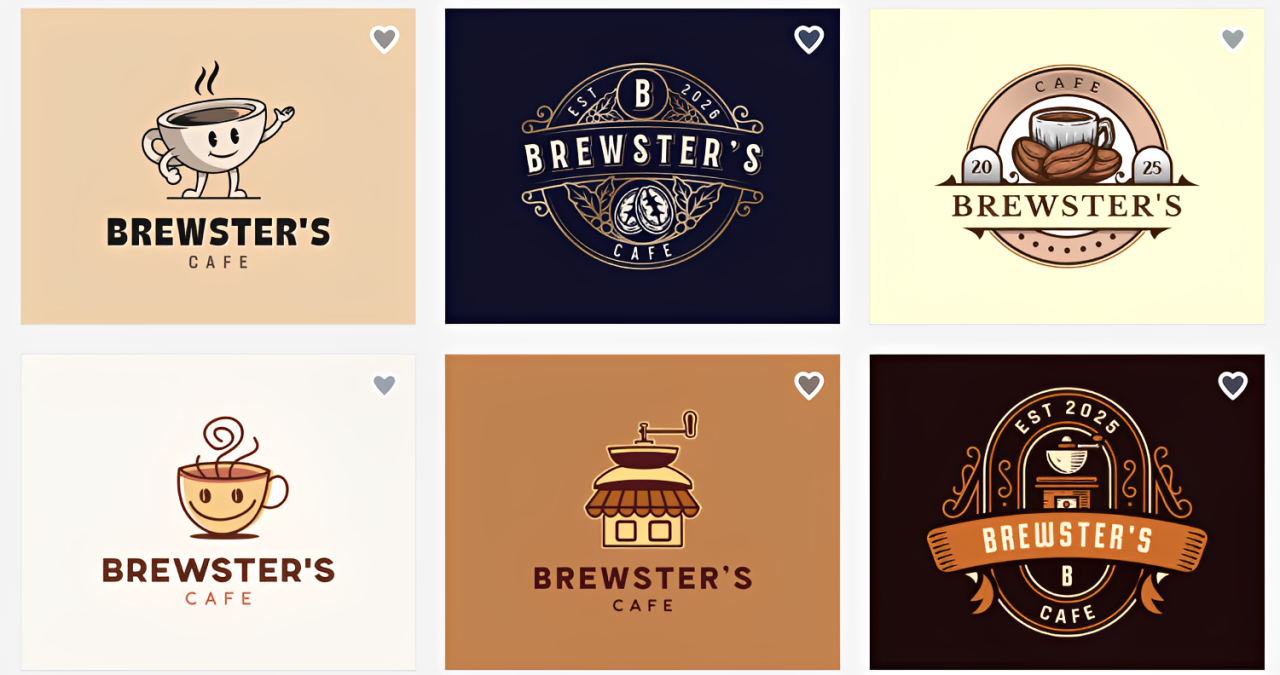
It’ so easy to create a logo with BrandCrowd. Once you enter your business name and the keywords you want, the platform will generate hundreds of ready-to-customize logo templates.
Like Design.com, you can also narrow down your options by style: emblem, wordmark, vintage, modern, corporate, mascot, and classic. Or choose colors that fit your brand.
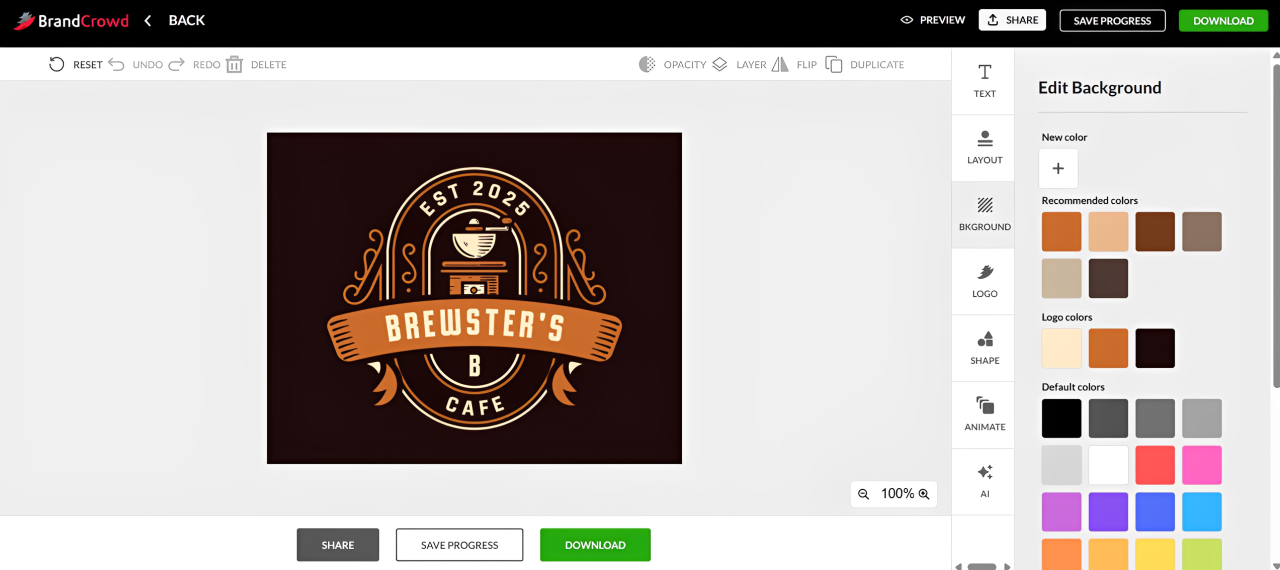
From there, you can tweak fonts, icons, layouts, and add shapes or animation to craft a logo that perfectly represents your Steakhouse and makes your business stand out.
Key Features
- Extensive logo template collection – Access thousands of professionally designed templates covering every industry and style.
- Professionally crafted logos – Every logo is unique and created by professional designers, not generic stock icons.
- AI logo creation – Generate hundreds of tailored logo options instantly using advanced AI and keyword guidance.
- All-in-One Branding Platform – Create logos, websites, social media graphics, business cards, and more, all in one place.
- Unlimited Logo Customization – Change fonts, colors, layouts, and icon placements without limits.
- Advanced AI Editing - You can edit your logo’s icon and text with AI, using a simple chat-based interface to request changes. The system is custom-trained to ensure copyright-safe editing, giving you fast, accurate, and fully compliant results.
- Multiple AI Design Tools – Tools include an AI website builder, an AI business card maker, and an AI presentation generator.
- Commercial Usage Rights – Logos include global commercial licenses, with optional exclusive or buyout licensing for added originality.
- High-Resolution Files – Download in PNG, JPG, SVG, EPS, and PDF for web and print use.
- Brand Kit Generation – Apply your logo across hundreds of thousands of templates to maintain consistent branding.
- 24/7 Support – Get help anytime via live chat or email for design, downloads, or licensing questions.
You can then tweak colors, fonts, layouts, and icons to create a logo that perfectly fits your steakhouse’s style and brand identity.
Pros
- Variety of options
- Unique designs
- Full branding tools
- Instant generation
- Customizable templates
- Premium fonts
- Global commercial license
Cons
- Less technical integration
- best suited for small teams or solo entrepreneurs
3. DesignCrowd
Best for: Businesses that want multiple logo ideas quickly through a contest-based approach
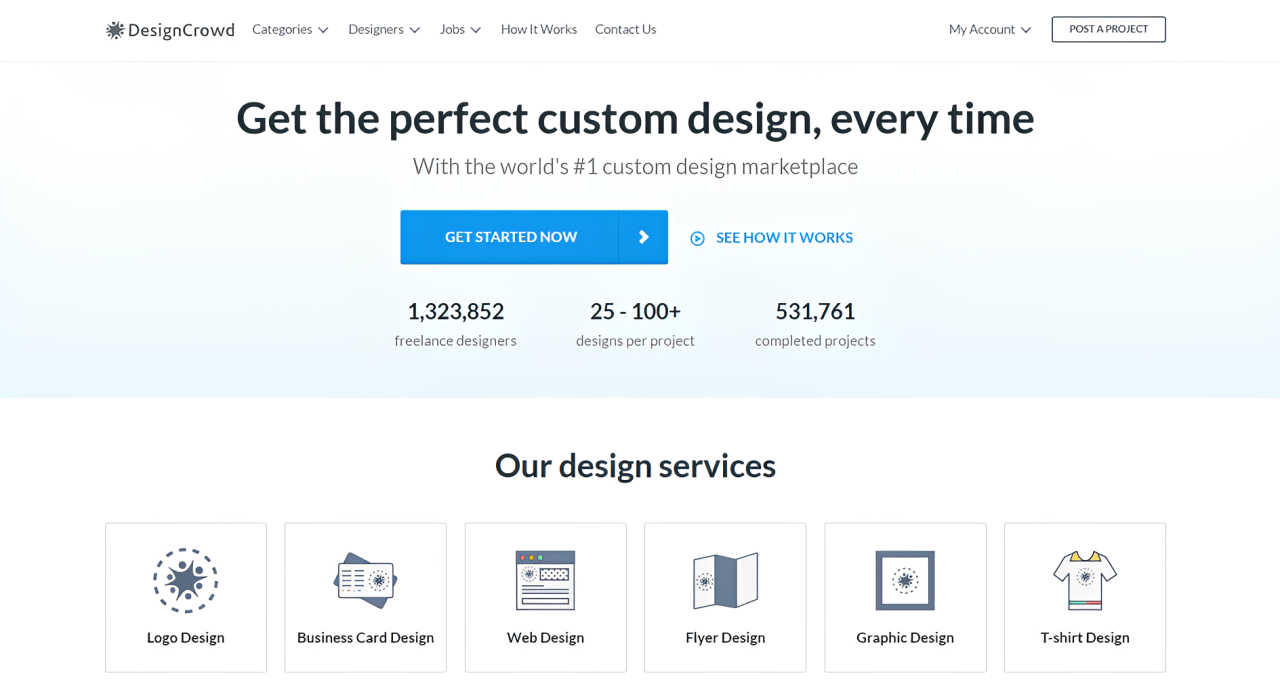
DesignCrowd is a crowdsourced design platform where businesses can get logos by running a design contest. Instead of hiring one designer, you submit a brief and receive multiple logo concepts from different designers around the world. This gives you a wide range of ideas and styles to choose from, which is useful if you are still exploring your brand direction.
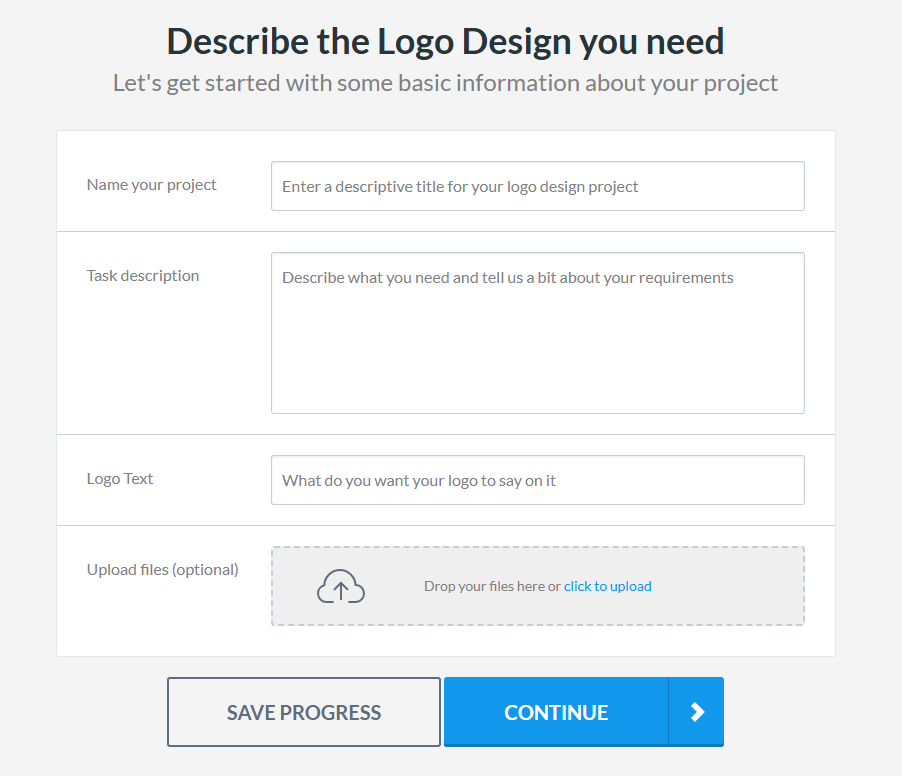
The platform works by letting you set your budget and describe what you need. Designers then submit their entries, and you can give feedback or request revisions before choosing a final winner.
Here are samples of the logo designs made by our community of freelance designers:
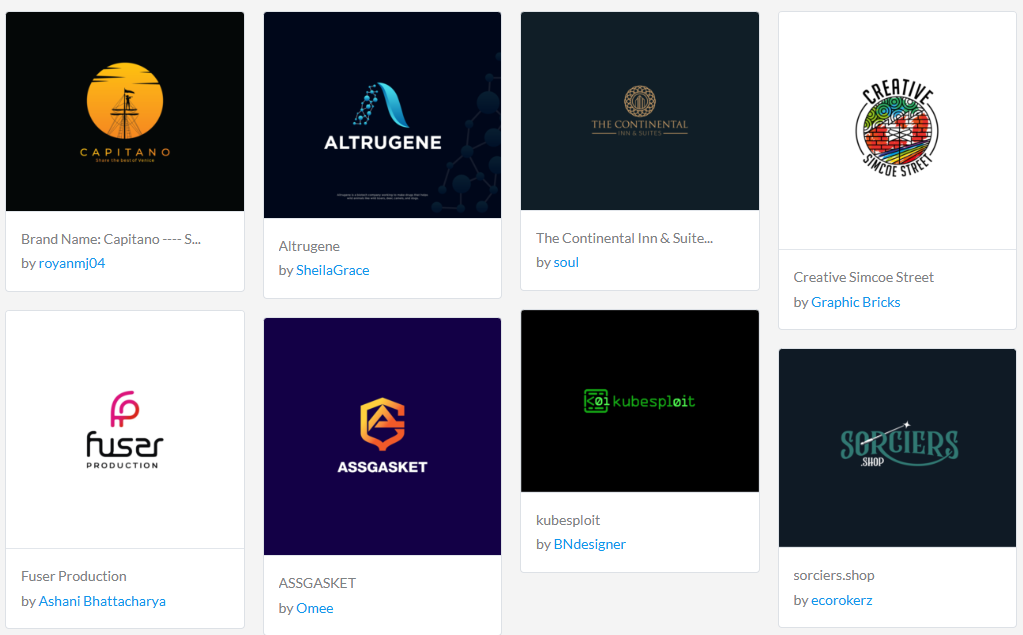
Once you pick a design, you own the final logo and can use it across your branding materials.
Key Features:
- Crowdsourced design contests: You post a brief and receive multiple logo ideas from designers around the world, giving you a wide range of creative directions to choose from.
- Global designer community: Access thousands of freelance designers with different styles, skills, and creative approaches for more diverse logo options.
- Multiple design submissions: Instead of one concept, you get many logo entries so you can compare ideas and pick the strongest direction.
- Feedback and revisions: You can give feedback on submissions and request changes before selecting your final logo.
- Flexible pricing: You set your own budget for the contest, making it suitable for both small businesses and larger projects.
- Full ownership rights: Once you choose a winning design, you receive full rights to use it across all branding materials.
Pros
- Many design options to choose from
- Competitive pricing flexibility
- Good for exploring different creative directions
- Human-designed logos, not AI-generated
Cons
- Can take time to review multiple submissions
- Requires clear briefs to get good results
4. Design Shifu
Best for: Unlimited graphic design beyond just logos
If you need more than a one-time logo, Design Shifu is worth a serious look. It's an unlimited graphic design subscription service that pairs you with a dedicated professional designer, so instead of downloading a template and walking away, you get ongoing design support for your entire brand. For small businesses and startups building their identity from scratch, that's a significant advantage.
Design Shifu covers the full spectrum of brand design needs. From your initial logo and brand identity to social media graphics, flyers, menus, packaging, and presentations everything is handled by a real designer who learns your brand over time. The result is a consistent, professional look across every touchpoint without the cost of hiring an in-house designer.
Say you're launching a steakhouse. Design Shifu's designers can create a bold, appetite-driven logo featuring steak and grill elements, and then extend that identity across your menu design, Instagram templates, signage, and takeout packaging, all under one subscription.
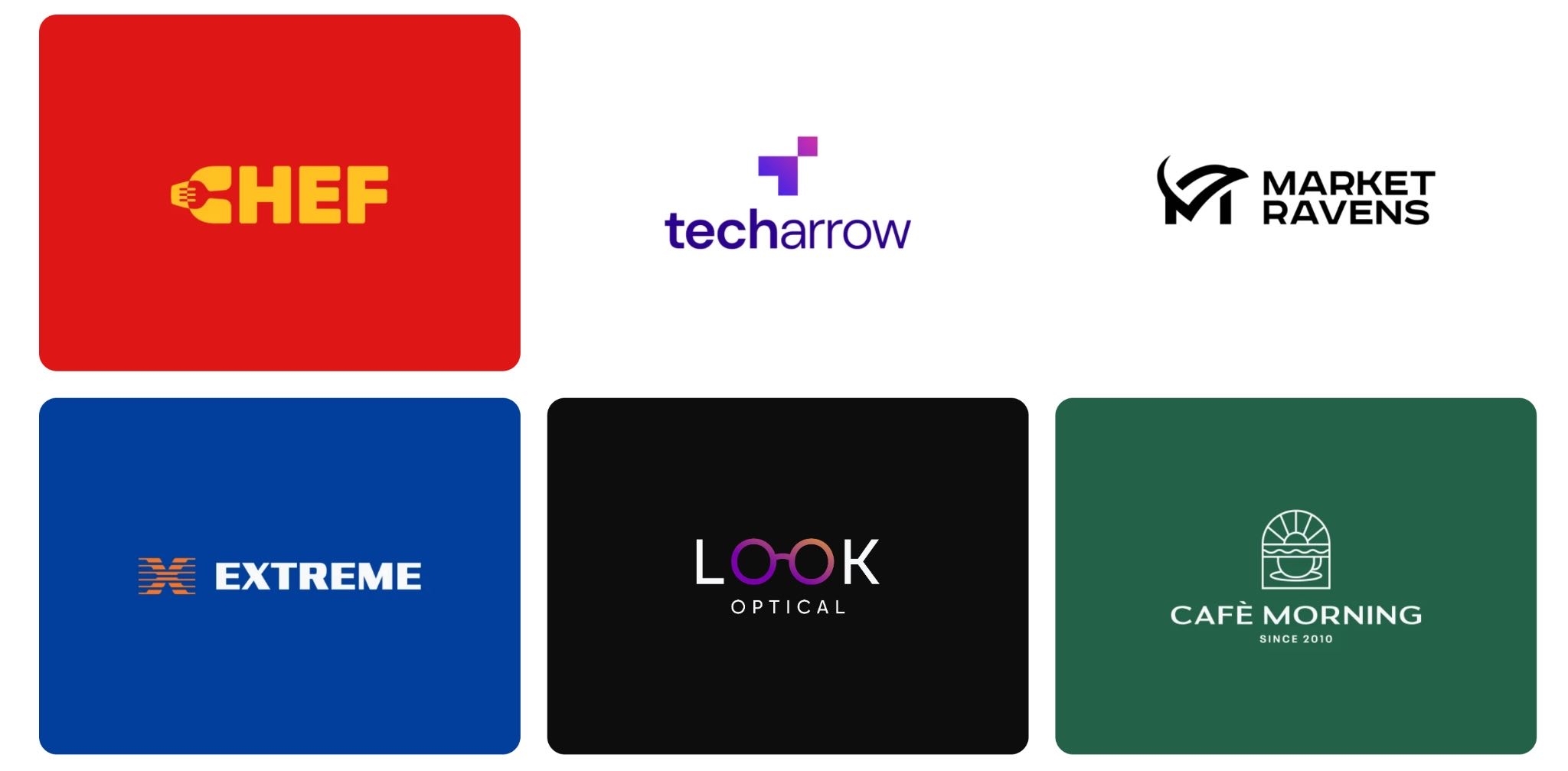
Getting started is straightforward. Share your business name, industry, and brand preferences, and your dedicated designer gets to work. Submit design requests through a simple dashboard, leave feedback, and receive revisions until the work is exactly right.
There's no cap on requests or revisions, so you can keep refining until your brand looks the way it should.
Key Features
- Dedicated designer – Work with the same professional designer who learns your brand style and preferences over time.
- Unlimited design requests – Submit as many design tasks as you need, from logos to social posts to print materials.
- Unlimited revisions – Request changes until every design is exactly right, with no extra charges.
- Full brand identity coverage – Get logos, business cards, social media graphics, menus, packaging, presentations, and more.
- Fast turnaround – Receive initial designs within 1–2 business days per request.
- Simple request dashboard – Submit briefs, share feedback, and track progress all in one place.
- Brand consistency – All designs follow your established brand guidelines for a cohesive look across every format.
- Print and digital-ready files – Download high-resolution files in all formats needed for both web and print.
- Flat monthly pricing – One predictable subscription cost with no per-project fees or hidden charges.
Pros
- Real human designer, not a template
- Unlimited requests and revisions
- Covers all design needs in one subscription
- Consistent brand identity across formats
- Affordable alternative to hiring in-house
- Fast delivery on most requests
Cons
- Not instant, designs take 1–2 business days
- Less suited for one-off logo purchases
- Best value when you have ongoing design needs
5. Wix Logo Maker
Best for: Beginners and full Wix integration
The Wix logo maker is a versatile tool that lets anyone create a professional logo without prior design experience. Whether you’re launching a new business, updating your branding, or building a website, Wix guides you through the process with AI-generated suggestions and a simple, intuitive editor.
You start by entering your business name or choosing a pre-designed logo template and fully customizing it until it’s tailored to your brand.
If you choose to start from scratch, you just have to answer a few questions from their bot named “Aria” about your brand (as shown above), and then choose a tailored logo that works for you.
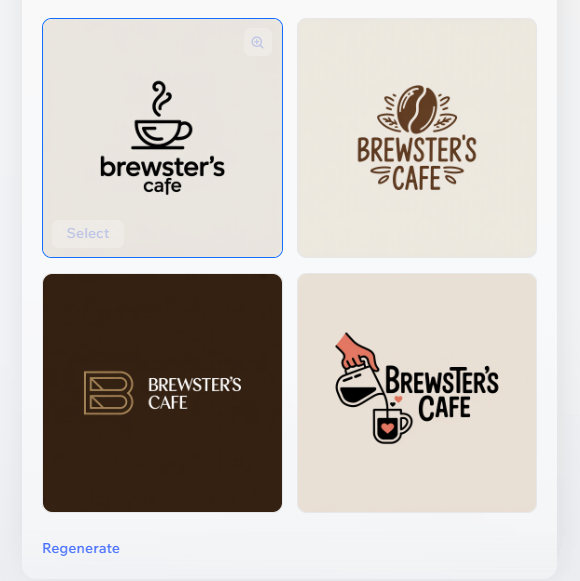
Aria will then provide you with results, and once you have chosen a design you like, you’ll have full control over it and can tweak the colors, fonts, and icons until your logo looks exactly the way you want.
Key Features
- AI-Powered Logo Generation: Answer a few questions about your business, and Wix creates logo options tailored to your brand.
- Customizable Templates: Adjust colors, fonts, icons, and layouts to make your logo unique.
- High-Resolution Downloads: Get vector and PNG files suitable for print, web, and social media.
- Full Commercial Rights: Paid plans give you complete rights to use your logo anywhere.
- Brand Integration: Your logo works seamlessly across your Wix website, social media, and other branding tools.
Pros
- Beginner-friendly interface
- AI-powered suggestions
- Affordable plans
- Scalable downloads
- Brand integration tools
Cons
- High-res downloads need payment
- Less control than professional design software
6. Adobe Express
Best for: Fast, easy logo creation
Adobe Express makes it easy to create a professional logo, even if you have no design experience. Just type your business name and a slogan, then choose an icon that best suits your brand.
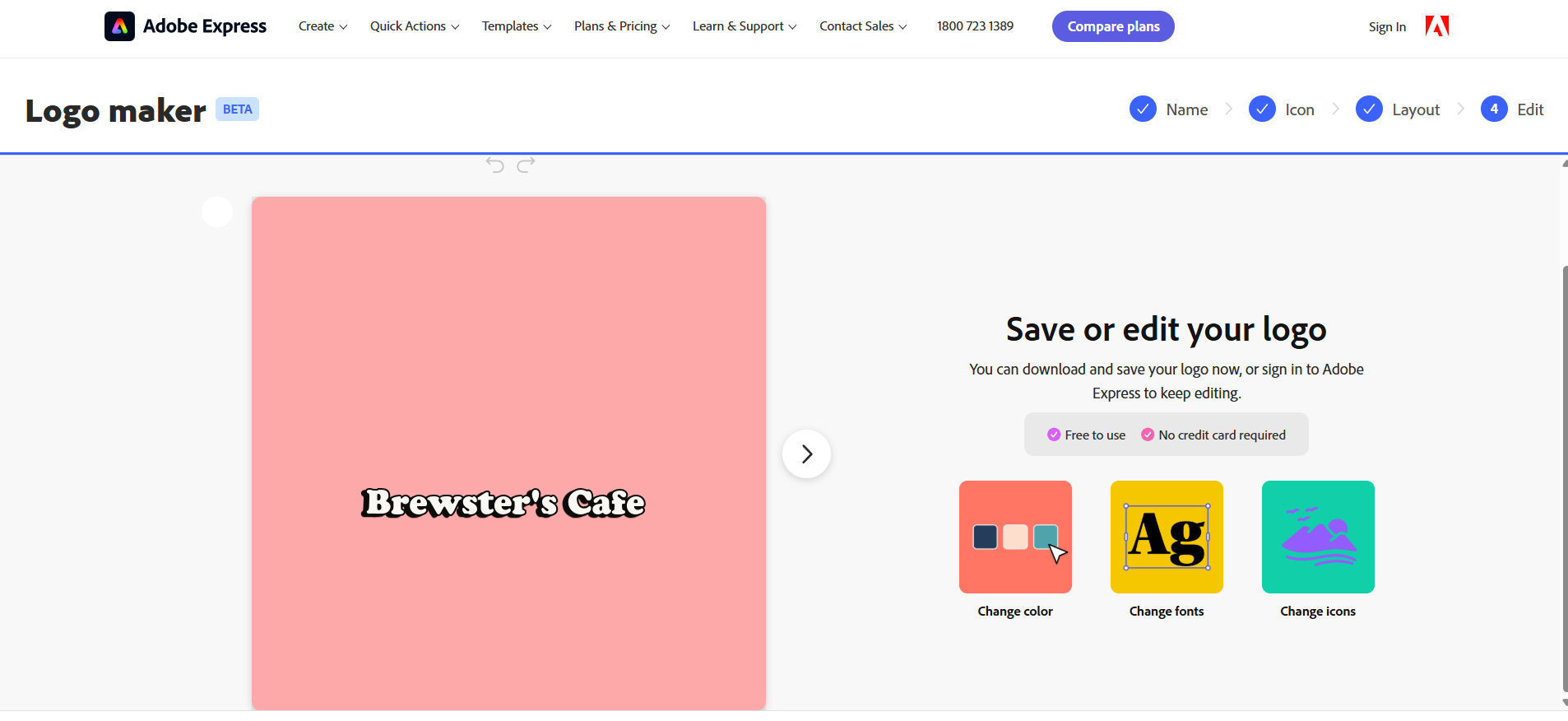
As you can see from the image below, the logo generator will instantly generate many designs for you to browse. You can swap icons, adjust layouts, and try different styles to find what fits your brand.
Once you’ve chosen a design, you can customize it further in the online editor or download it for free. Adobe Express also gives you access to thousands of fonts, templates, and design assets.
Key Features
- Free & Beginner-Friendly: Create a logo quickly with no design experience, and get started at no cost.
- Multiple Styles & Icons: Choose from dozens of logo styles and icons to match your brand personality.
- High-Quality Downloads: Export your logo as PNG, JPG, or even MP4 for animated versions.
- Extensive Fonts & Templates: Access thousands of Adobe Fonts and a large library of templates, images, and design assets.
- Drag-and-Drop Customization: Easily adjust colors, layouts, icons, and more to make your logo unique.
Pros
- Easy Customization
- Large Asset Library
- Free to Use
- Font Variety
- Animation Tools
- Brand Kit Support
- Fast Workflow
Cons
- Limited advanced vector editing
- Beta version
- Templates can feel similar without customization
7. Canva
Best for: Affordable, professional U.S.-based logos
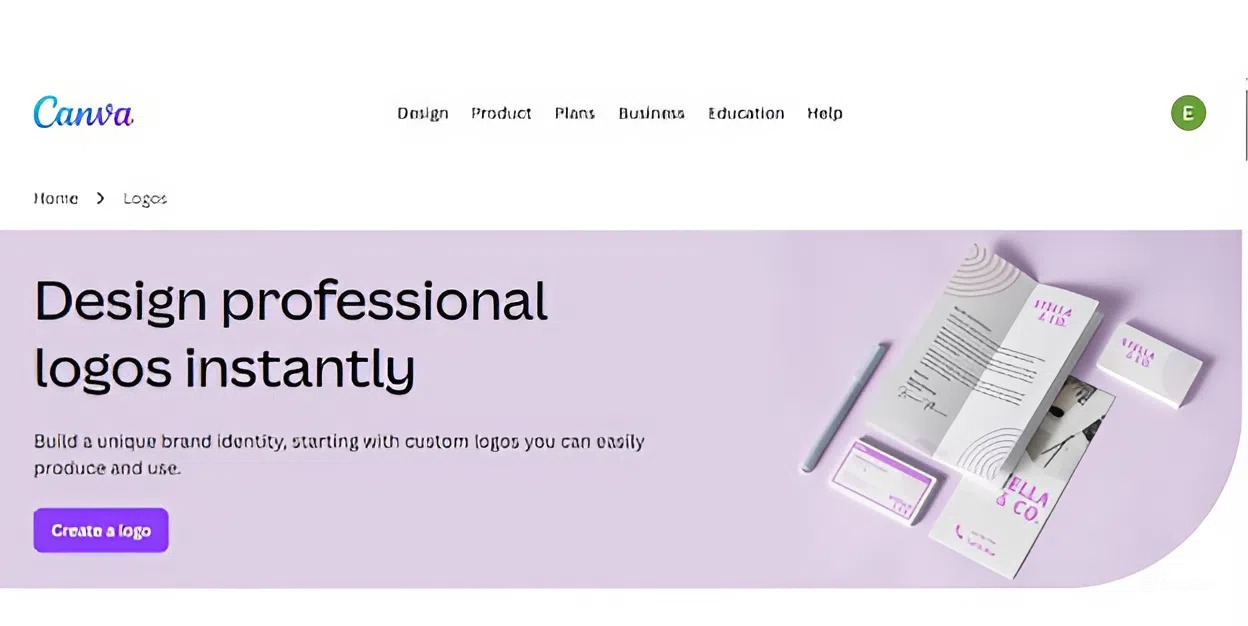
Canva’s AI logo generator makes it easy to design a professional logo in minutes, even without any design experience. You just have to enter the type of design that you want so that Canva’s logo maker can generate templates that you can customize.

Browse thousands of professionally designed templates or start from scratch, then customize fonts, colors, icons, and layouts to match your brand.
The drag-and-drop editor keeps everything simple, letting you experiment with hundreds of font pairings, millions of free icons, and graphic elements from Canva’s extensive library.
Once your logo is ready, you can visualize it on products, create realistic mockups, or resize it for social media, websites, and print. With Canva, building a complete visual identity for your business is fast and flexible.
Key Features
- Customizable Templates: Access thousands of professionally designed templates to match your brand’s style.
- Extensive Media Library: Millions of free icons, images, and graphics to make your logo unique.
- Font Library: Hundreds of font combinations and 3,000+ fonts, plus the ability to upload your own.
- Brand Kit (Pro): Store your logo, brand colors, and fonts for consistent branding across all designs.
- Product Mockups & Resize: Visualize your logo on products and resize designs for any platform with Magic Resize.
Pros
- Easy to use
- Template variety
- Extensive media library
- Team collaboration
- On-the-go editing
Cons
- Some features require Canva Pro
- Advanced vector editing is limited
- Logos may resemble template designs
Tips When Choosing a Logo Design Company
To make a confident choice, here are some practical tips to guide you:
- Check their portfolio carefully: Look for consistency, originality, and variety. A strong logo company should show work that feels tailored to each brand, not recycled.
- Understand their design process: A clear process that includes research, concept creation, revisions, and final delivery usually leads to better outcomes. Avoid companies that jump straight into design without asking questions about your business.
- Match the service to your needs: If you want a quick and budget-friendly option with ready-made templates, BrandCrowd is great for businesses that need speed and lots of design variations. If you want a more guided, collaborative experience with customizable design tools, Design.com is a better fit.
- Review customer feedback: Look for reviews that mention communication, reliability, and the smoothness of the revision process. First-hand experiences will reveal what it’s actually like to work with the company.
- Compare pricing and value: Cheaper doesn’t always mean lower quality, but make sure you understand what you’re paying for, like concepts, revisions, file formats, strategy sessions, or extra branding assets.
Conclusion
There you have it! Our top picks for the best logo design companies in 2026. Choosing the right company can make a big difference for your brand: saving time, ensuring originality, and helping you create a professional, memorable identity. From AI-powered platforms like Design.com to full-service creative studios like BrandCrowd, there’s an option for every business size, style, and budget.
We hope this guide helped you understand the key features, pros, and considerations when selecting a logo design partner. Investing in the right creative team today will pay off in stronger brand recognition, lasting impressions, and a cohesive visual identity for years to come!
Shayne Jain is a content writer with 7 years of experience specializing in creating engaging and impactful content. Her passion for writing began at age 8, when she started crafting short stories and songs. You can find her kicking balls on the football field or immersed in a good video game when she's not writing.
Written by DesignCrowd on Friday, March 6, 2026
DesignCrowd is an online marketplace providing logo, website, print and graphic design services by providing access to freelance graphic designers and design studios around the world.
