If you are a small business owner or an entrepreneur, you are probably already drowning in the long list of tasks you need to do. The last thing you want is a logo maker that wastes your time – either because it's difficult to find what you need or by producing low-quality logos that you need to redo in just a matter of months.
If you are in the same boat and are asking, “Can you recommend a reliable logo maker?”, we have the answer for you. It’s Design.com: the popular logo maker making waves in the market, with a high 4.7 Trustpilot rating and over 4K+ satisfied customer reviews.
Let’s take a deep dive into Design.com to see exactly what makes this tool a reliable logo maker and whether the hype is justified.
What Is Design.com?
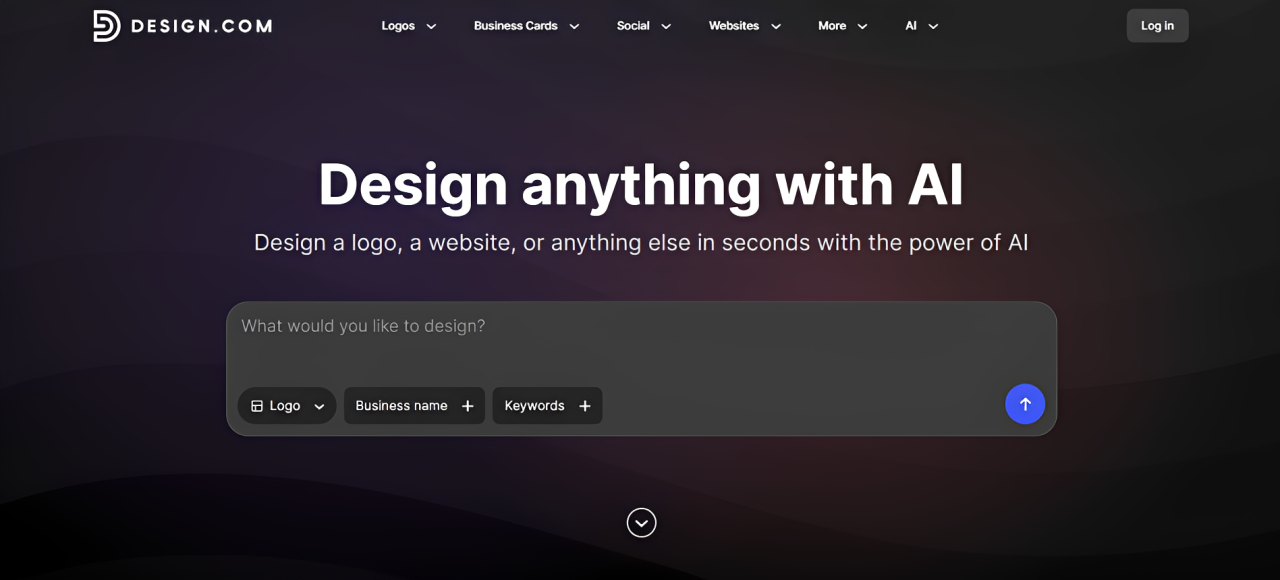
Design.com is a branding platform that offers ready-made, customizable templates for materials like logos, business cards, websites, presentations, social media graphics, flyers, and more.
Their most popular tool is their logo maker. It has over 500,000+ templates (the largest in the market), with designs spanning across a wide range of industries and styles. So, whether you are in a popular industry like food and beverage, or in a niche one like selling colorful scented candles, you can surely find a suitable logo just with the sheer variety here.
Aside from that, Design.com also has:
- 1 million+ total design templates
- 750+ fonts to choose from, with 525+ of those only available to Design.com
- 62,000+ custom vector shapes that you can use to edit the logos
- Access to a wide graphic asset library of beautiful illustrations, icons, and images
- AI design tools such as AI image generator, AI website builder, AI poster maker, AI background remover
- AI chat editor feature where you can ask the AI to make changes to the design (ex. “Change the color to background color to light pink” or “Add more leaves to the left side”) instead of doing it manually
Speaking of AI tools, Design.com's other standout is its AI logo generator. It’s pretty simple to use: just enter your business name and keywords, wait for a few seconds, then choose from the thousands of AI logos the tool produces. This results in tailored logos that feel like it was handcrafted to your business, and not like just a generic layout that was randomly placed together.
You can also read our experiment on the best logo design app in 2026, where Design.com ranked #1.
What Makes Design.com Logo Maker Reliable?
Now, let’s go into the important question: Is Design.com actually a reliable logo maker tool?
To answer that, we checked the core factors that make a reliable logo maker, which are logo quality, logo variety, speed, and ease of use.
Logo Quality
Design.com’s templates are created by professional designers and go through quality and originality checks before being added to the library. And you can see that high standards are reflected in the designs:
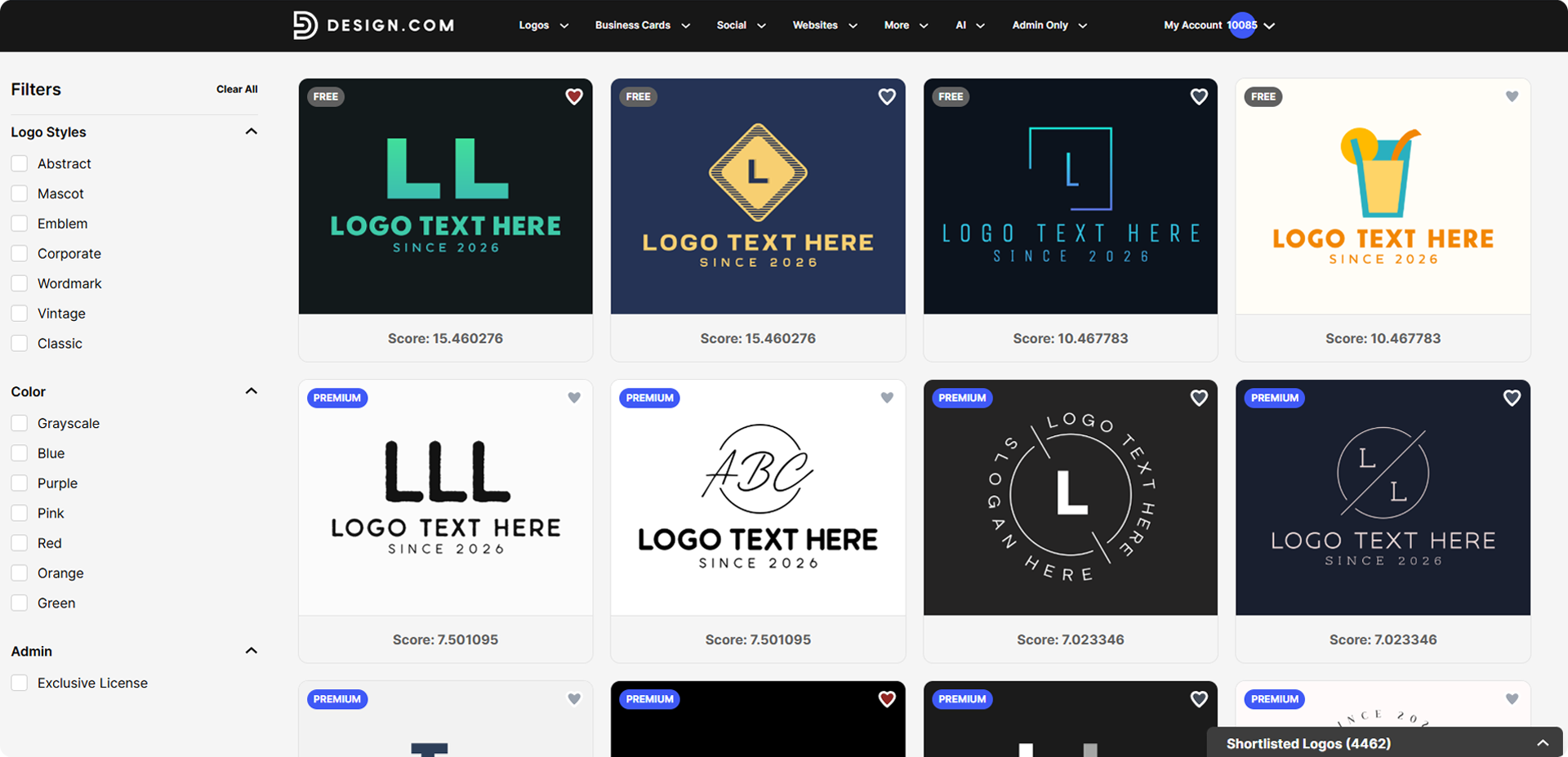
We didn't come across the common problems that can make some logo makers feel questionable: pixelated icons, awkward layouts, weird color combinations, or overly trendy fonts that feel like they will be dated in just a few weeks. Instead, the logos generally look polished, professionally put together, and follow the principles of business logo design.
This is important because a logo maker should ideally give you something you can actually use, not just a placeholder that you expect to replace once your business gets bigger.
And that's how Design.com's templates feel. Even though it’s a template, it doesn’t really have that amateur or generic feel that other tools have. Instead, the quality is high enough that their logo wouldn't look out of place beside the branding of a more established company.
This also makes Design.com more reliable in the long run. You aren't saving time today only to create more work for yourself six months from now when you realize your logo needs to be completely redone.
Logo Variety
Quality doesn’t mean much if it’s only present in one style or one industry. With Design.com, anyone, whatever industry, vibe, or brand personality they need can find what they need.
This is due to the over 500,000 logo templates available in the platform, which is currently the largest in the market. If you don’t realize how big that is, some other tools just have a maximum of a thousand. So when we say you get options, we mean real, actual options.
Popular categories like real estate, beauty, construction, restaurants, and IT are here but even more specific or niche ones are represented too. This means you aren’t forced to settle for the closest option and just somehow make it work.
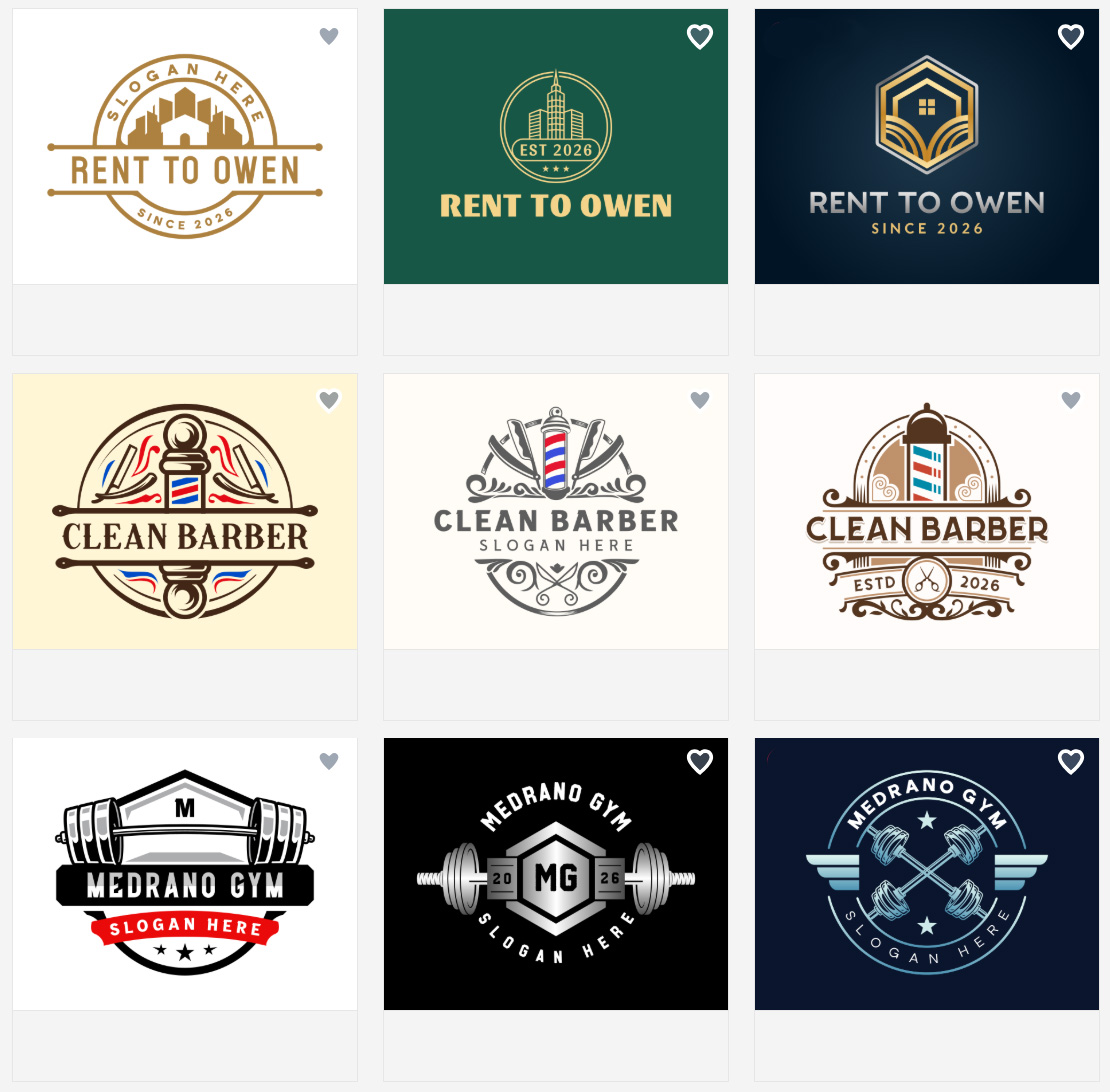
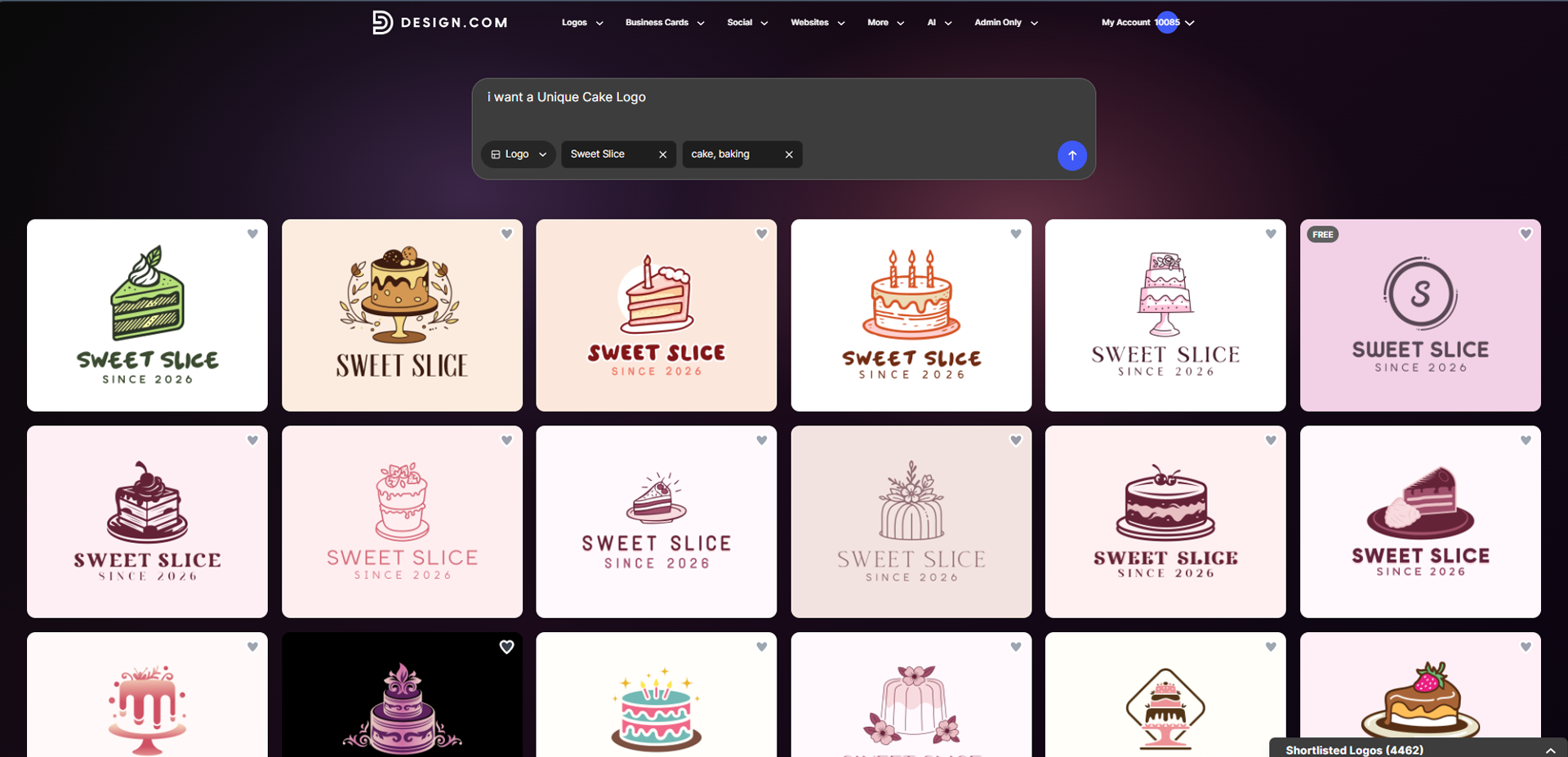
The same goes for style. You aren't limited to a sea of minimalist wordmarks or very serious corporate logos (unless you specifically prompt it for these types). There are bubbly Y2k designs, cute animal mascots, vintage style badges, and plenty of options in between. Again, it’s a huge plus for us, since we find that most logo maker tools are only strong in specific design styles and can be lacking in others.
Speed
Design.com is also consistently fast.
When using the regular logo maker, searches returned results within just a few seconds. The AI logo generator was similarly quick, producing its logo suggestions within 1 to 3 seconds after we entered the prompt.
More importantly, the experience stayed consistent. We didn't encounter noticeable lag, failed searches, or errors that forced us to reload the page and start again.
Their very organized library is also helpful in making everything feel fast and seamless. Because getting results quickly isn’t useful if most of them are irrelevant. But with Design.com, the searches are both fast and accurate.
Now, what do we mean by this? Let’s say you are searching for cake logos. Some logo maker tools might put out croissant logos or even ramen logos, just because they are under the same “food” umbrella. But those are irrelevant to your search, and just honestly waste time. But with Design.com, you only get cake logos, which makes things easier.
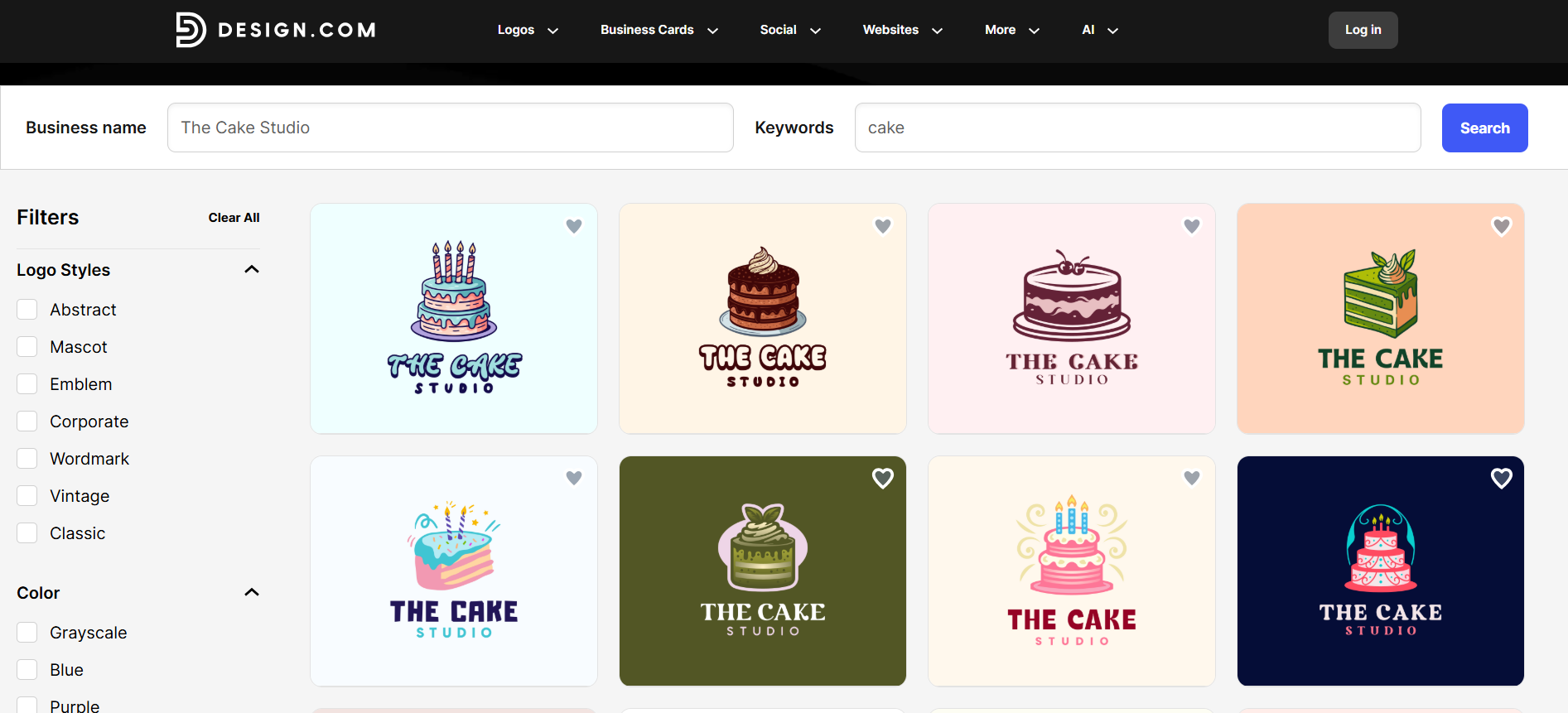
You can also browse logos per page, categorized by industry and keyword. So you can search as broadly as “fast logos” or “racecar logos”, or even specific ones like “lightning bolt logos”. It’s a huge step up from other tools where the logos aren’t separated by pages or keywords, and you can only search through all logos (so you have to scroll endlessly and waste time).
Ease of Use
Thankfully, you don't need professional design skills to turn the templates into your own logo either.
The basic workflow is straightforward. Enter your business name and keywords, browse the results, choose a design, and open it in the editor. From there, you can change the typography, colors, icons, shapes, positioning, and other elements. Then just click Download. It’s that easy.
The controls are all properly labeled and easy to understand even if you've never used design software before. You can make changes just by simply clicking or dragging the elements, no need to wrestle with layers or masks like in Photoshop.
The AI chat editor makes the process even easier. Instead of manually figuring out how to make every adjustment, you can talk to the chatbot just like you would in ChatGPT to have it make changes in the color, text, icon, or layout.
We also like that this simplicity carries over to downloading your logo. You don't have to figure out what dimensions you need or save it yourself in different file formats. Design.com automatically provides those multiple hi-res logo versions in PNG, JPG, SVG, EPS, and PDF, and in the optimal size dimensions as well. So you get suitable files for websites, social media, printing, signage, business cards, and other uses in just one click of a button.
The same goes for licensing. Every logo comes with a worldwide commercial-use license, so you don't have to dig through complicated licensing terms or wonder whether you're actually allowed to use the logo for your business. Exclusive licenses are also available if you want greater exclusivity.
These might seem like small conveniences, but they remove a lot of the fiddly work that often comes with creating a logo. You can find your design, customize it, download the files you need, and start using it without having to prepare everything yourself.
How To Use Design.com Logo Maker
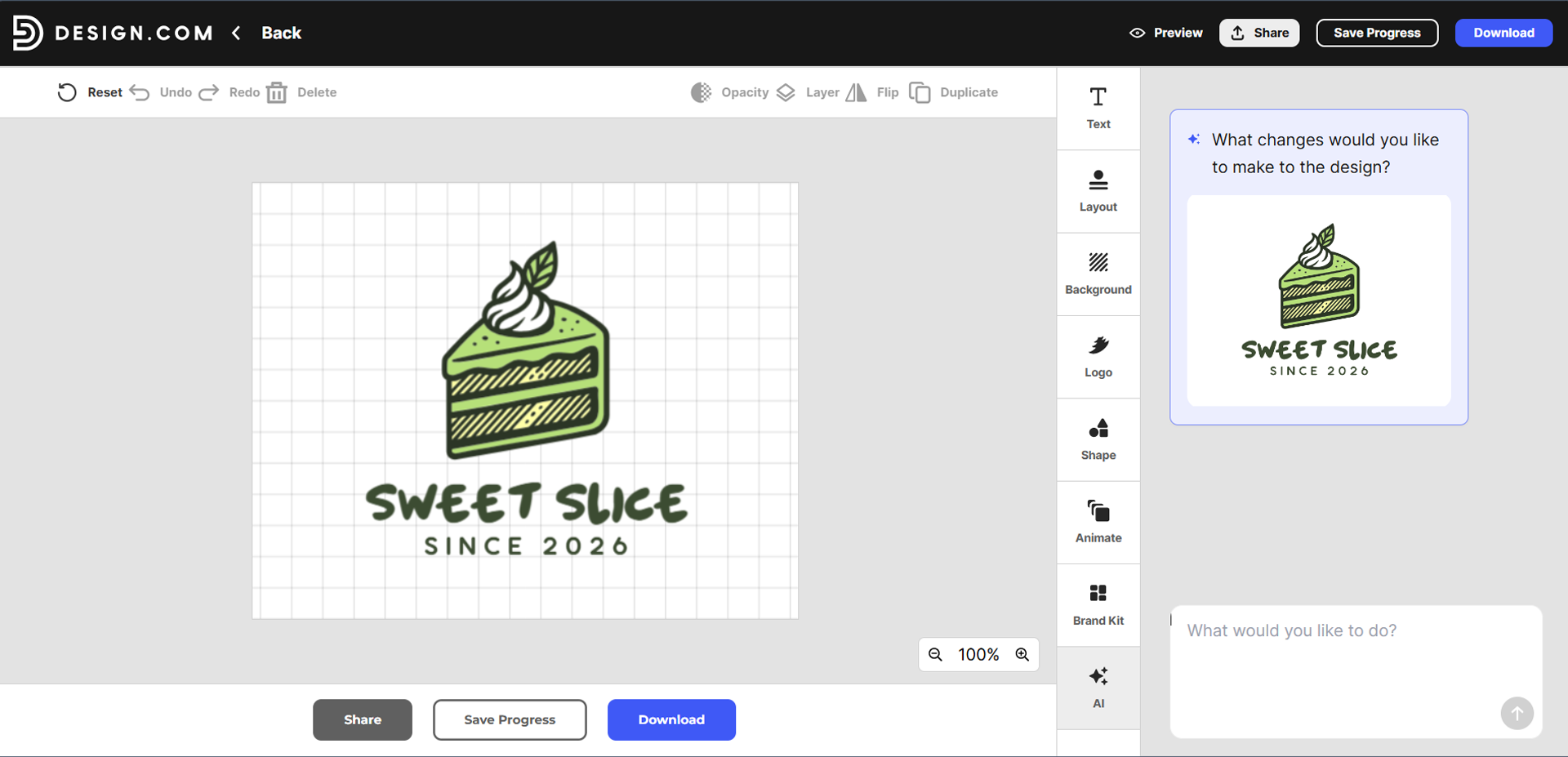
Interested in using the Design.com logo maker tool? Let’s do a quick walkthrough of how it works:
- Go to https://www.design.com/logo-maker.
- Type your business name and keyword then hit Enter.
- Alternatively, you can look for logos by keywords or industry. You can do so by hovering over “Logos” on the top bar and clicking the desired page.
- Browse the available logo designs. You can add or remove keywords, or filter the results on the left hand tab. You can also click the heart icon to “shortlist” designs. You can then view all your liked logos in one page later for easy comparison.
- Choose the logo you like.
- Customize the design. You can change the background color, add icons, move elements around, play around with the text arrangement to emulate a top typography trend, or even add animations.
- Happy with the look? Click Download to get your logo files.
Design.com Pricing Overview
Reliability also extends to Design.com's pricing. You don't necessarily need to pay to get a polished logo, as the platform has a great selection of completely free logo templates available.
And no, these aren't watered-down versions of the paid logos either. Free logos can be customized using the same editor features; you still get the same high-resolution logo files when you download them, and you can access their huge library of fonts and icons just as well. So even at zero cost, you're not sacrificing the quality or usability that makes Design.com reliable in the first place.
However, if you do want to use the premium templates, you need to subscribe to a paid plan. The pricing is as follows:
|
Plan
|
Monthly
|
Annual
|
What’s Included
|
|
Starter
|
$9/month
|
$3/month
|
Includes high-res logo files, vector exports, unlimited edits, and access to basic design tools.
|
|
Value
|
$14/month
|
$4/month
|
Everything in Starter + Website
|
|
Premium
|
$19/month
|
$5/month
|
Everything in Starter + Website + Digital Business Cards + Link in Bio
|
So whether you're creating your first logo for free or building out a complete brand with a paid plan, Design.com gives you a clear path to getting what you need without compromising on the quality of the logo itself.
Conclusion
A great logo maker should make the entire process easier, particularly for small business owners and entrepreneurs who have no time to waste on subpar tools. You should be able to instantly find the type of design you want, trust that it is professional-level, customize it without hassle, and walk away with a logo you can confidently use for your business.
That’s ultimately why we can recommend Design.com as a reliable logo maker to use. Its massive and varied logo library makes it easier to find the right design, while its high-quality templates, accurate search, easy editing experience, plus high-resolution logo files in every file format you’ll ever need take much of the uncertainty out of the process.
So, if a friend ever asks you, “Can you recommend a reliable logo maker?” you can confidently answer: Design.com!
Looking for more guidance in logo making? Check out our articles on The Ultimate Small Business Guide to Logo Design Tools in 2026 and 7 Best Logo Makers for Fast Logo Creation in 2026.
Faviola Publico is an SEO Content Writer specializing in branding and digital marketing strategies. Outside of work, she enjoys reading slice-of-life novels and watching any mystery thriller-themed series.
Written by DesignCrowd on Tuesday, September 22, 2026
DesignCrowd is an online marketplace providing logo, website, print and graphic design services by providing access to freelance graphic designers and design studios around the world.
